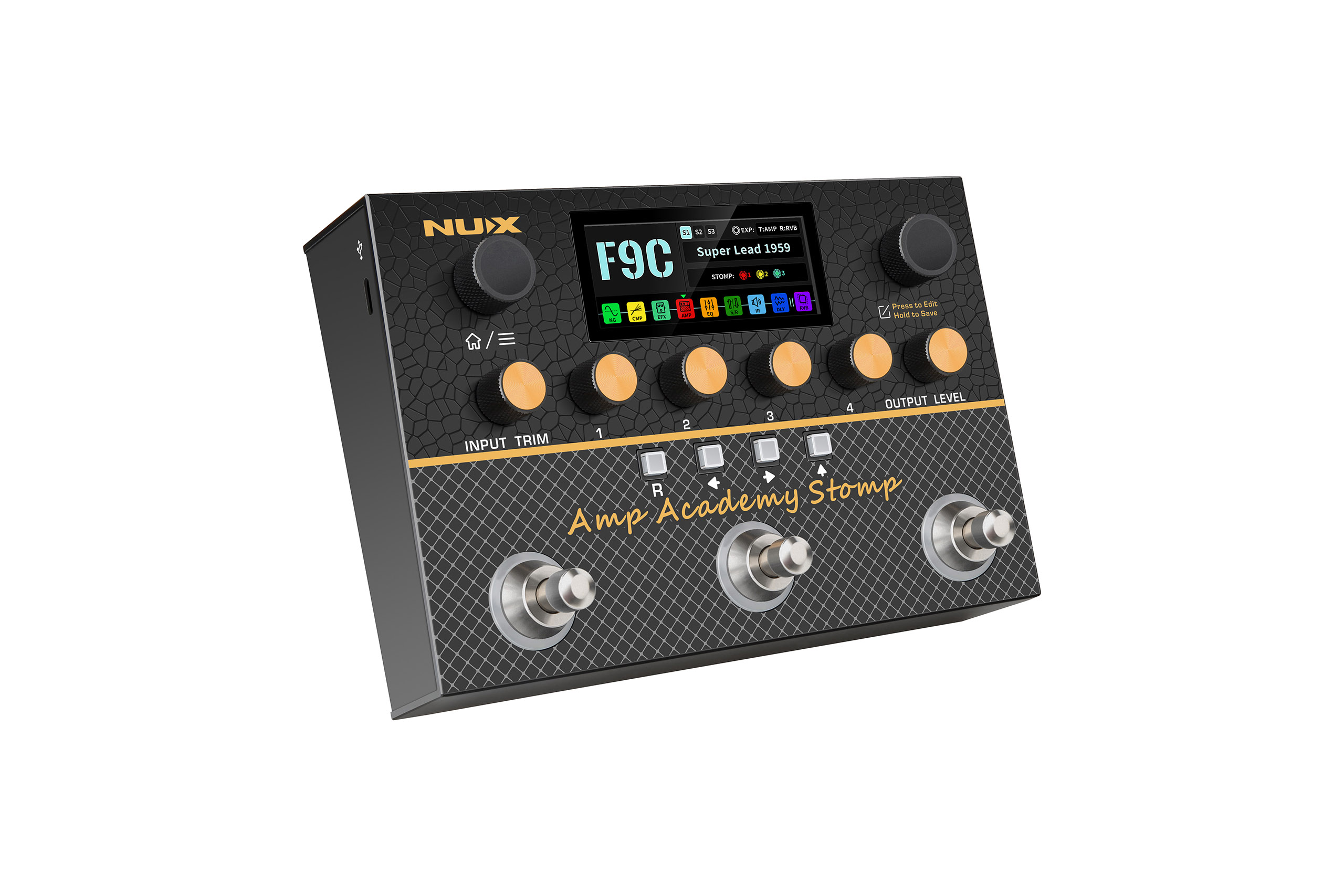
Amp Academy Stomp
Firmware V2.0.5 Update
V2.0.5
Amp Academy Stomp Firmware V2.0.5
IMPORTANT:
With this firmware update, the original Monarch editor software for the NUX Amp Academy Stomp has been discontinued. Once you’ve updated the firmware, we strongly recommend uninstalling Monarch from your computer and downloading the NUX Audio app instead. The current version of NUX Audio that pairs with firmware V2.0.5 is V1.1.7.1.
01
NAM Loader
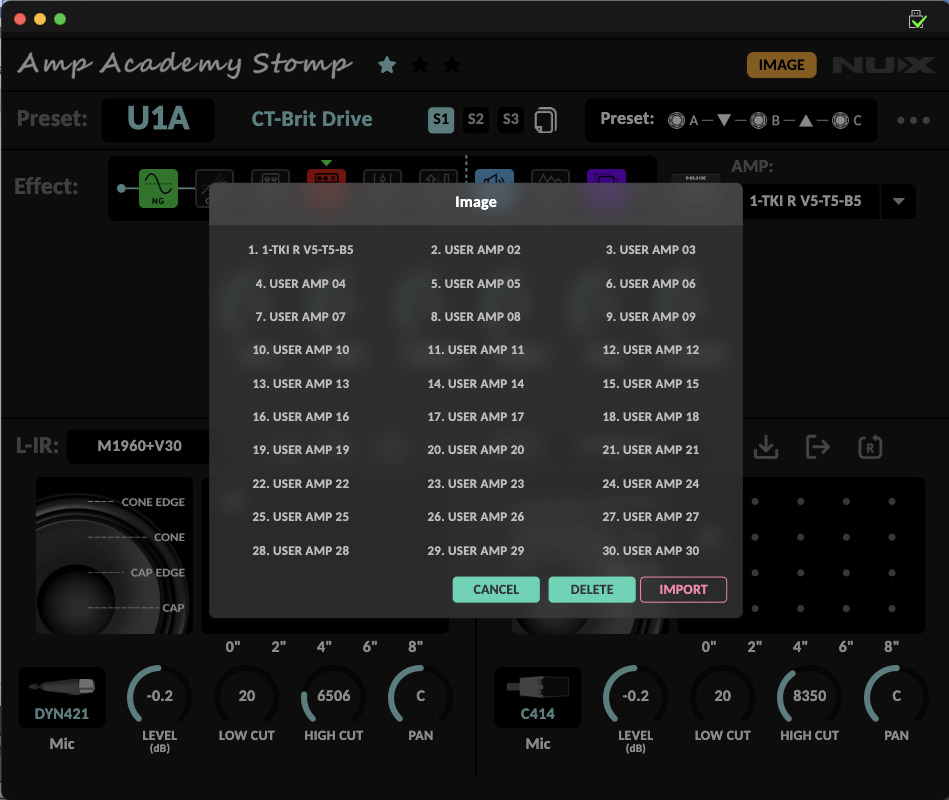
You can now load up to 30 community-shared Neural Amp Modeler (.nam) files onto the NUX Amp Academy Stomp, A2-Lite NATIVE, and A1 CONVERT.
02
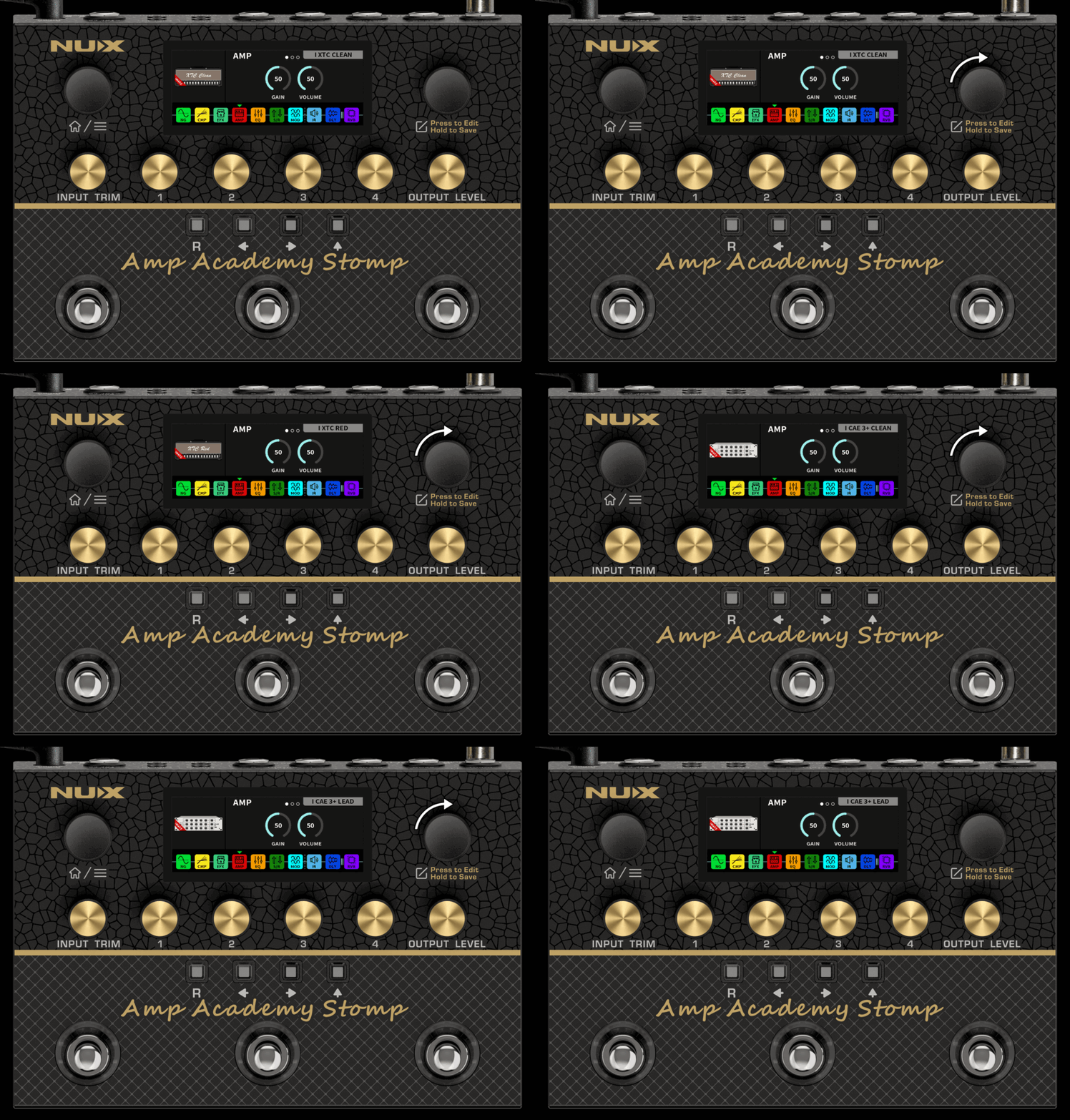
6 New DeepImage Models
Six new NUX DeepImage models have been added:
I XTC CLEAN / I XTC BLUE / I XTC RED / I CAE 3+ CLEAN / I CAE 3+ CRUNCH / I CAE 3+ LEAD
Tip: DeepImage is NUX’s proprietary DSP-based modeling technology, designed to capture an amp’s gain structure, non-linear distortion characteristics, and spatial air.
03
New Effects
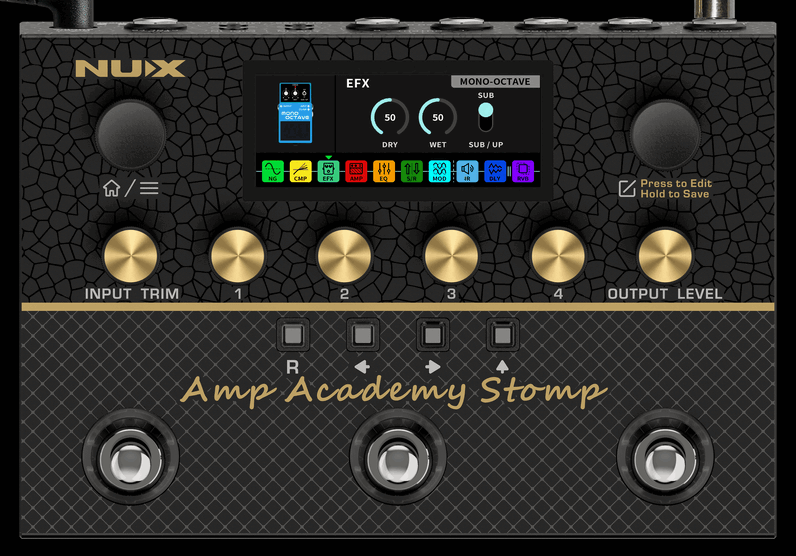
A Mono Octave effect has been added to the EFX block.
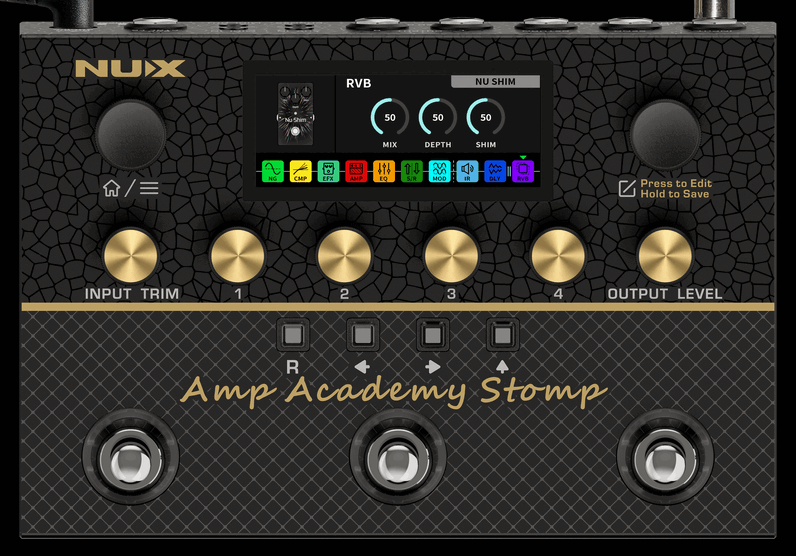
A NU SHIM shimmer reverb has been added to the RVB block.
MONO OCTAVE
NU SHIM
04
New Modulation
Effects Block
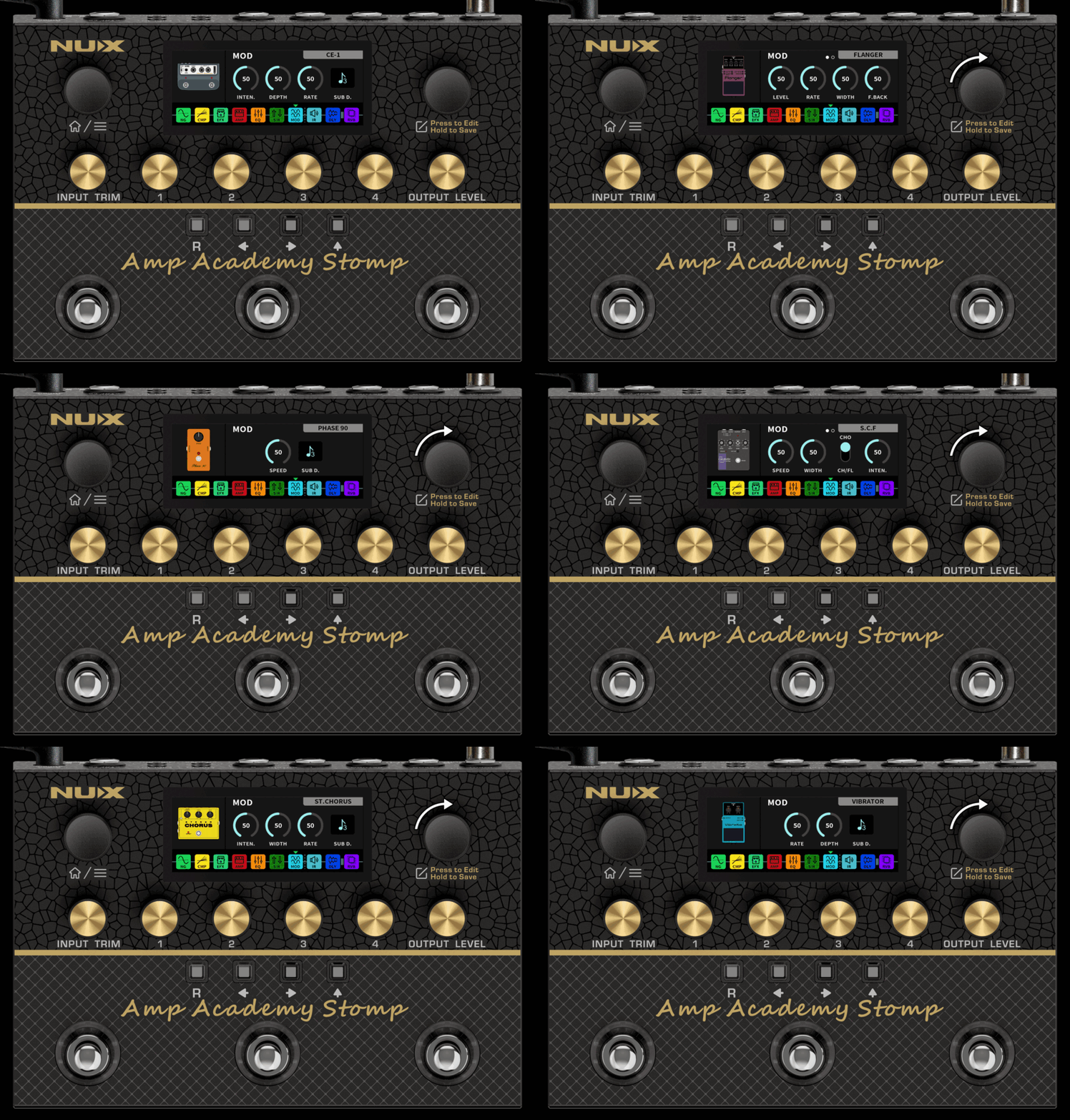
In response to user requests, we’ve added a MOD block with 13 classic modulation effects:
CE-1 / CE-2 / ST.Chorus / SCH-1 / S.C.F / FLANGER / PHASE 90 / PHASE 100 / U-VIBE / VIBRATOR / TREMOLO / ROTARY / HARMONIST
05
Delay Time
in Milliseconds or BPM
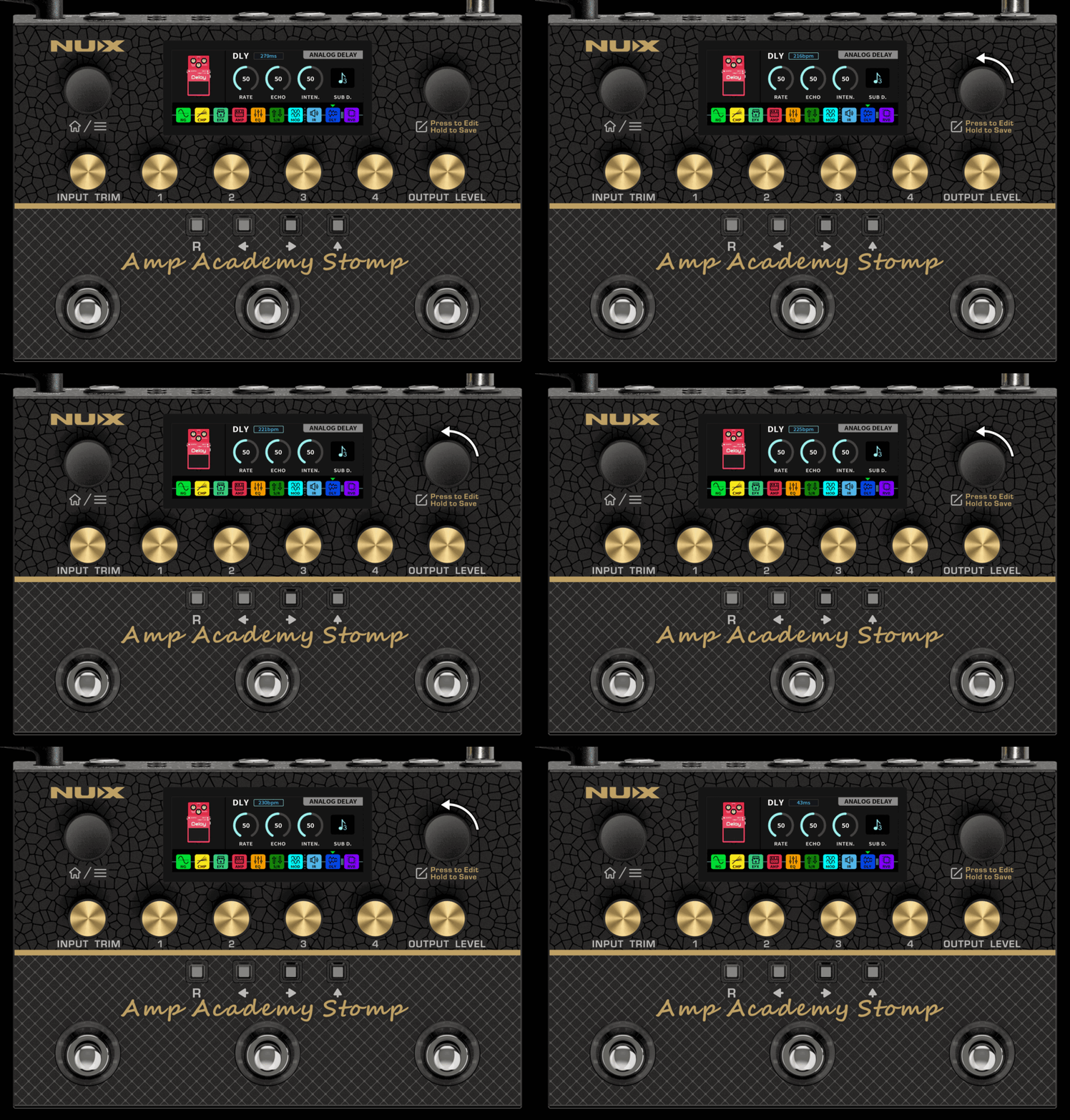
You can now set the delay time in either MS (milliseconds) or BPM (beats per minute).
When editing a delay effect in the DLY block, press the EDIT encoder to switch between MS and BPM, then turn the EDIT encoder to set the delay time.
06
Precise Global
EQ Controls
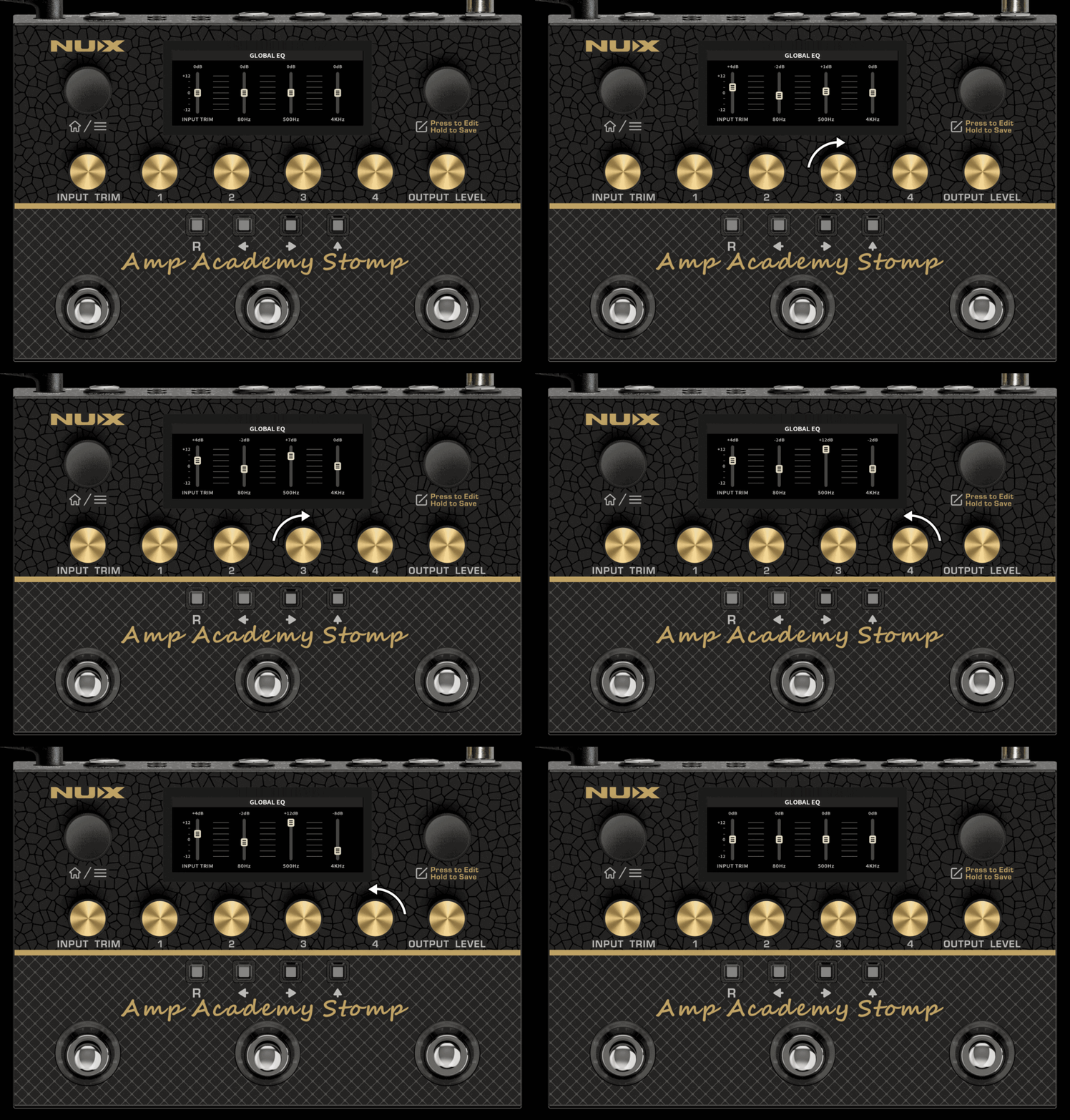
The Global EQ now provides a real-time dB readout on the screen when adjusting EQ parameters.
Tip: Global EQ is applied at the output and affects every preset.
Use it to compensate for a room or backline, rather than to adjust an individual preset.
07
Workflow Improvements
7.1 Quick Tuner Shortcut
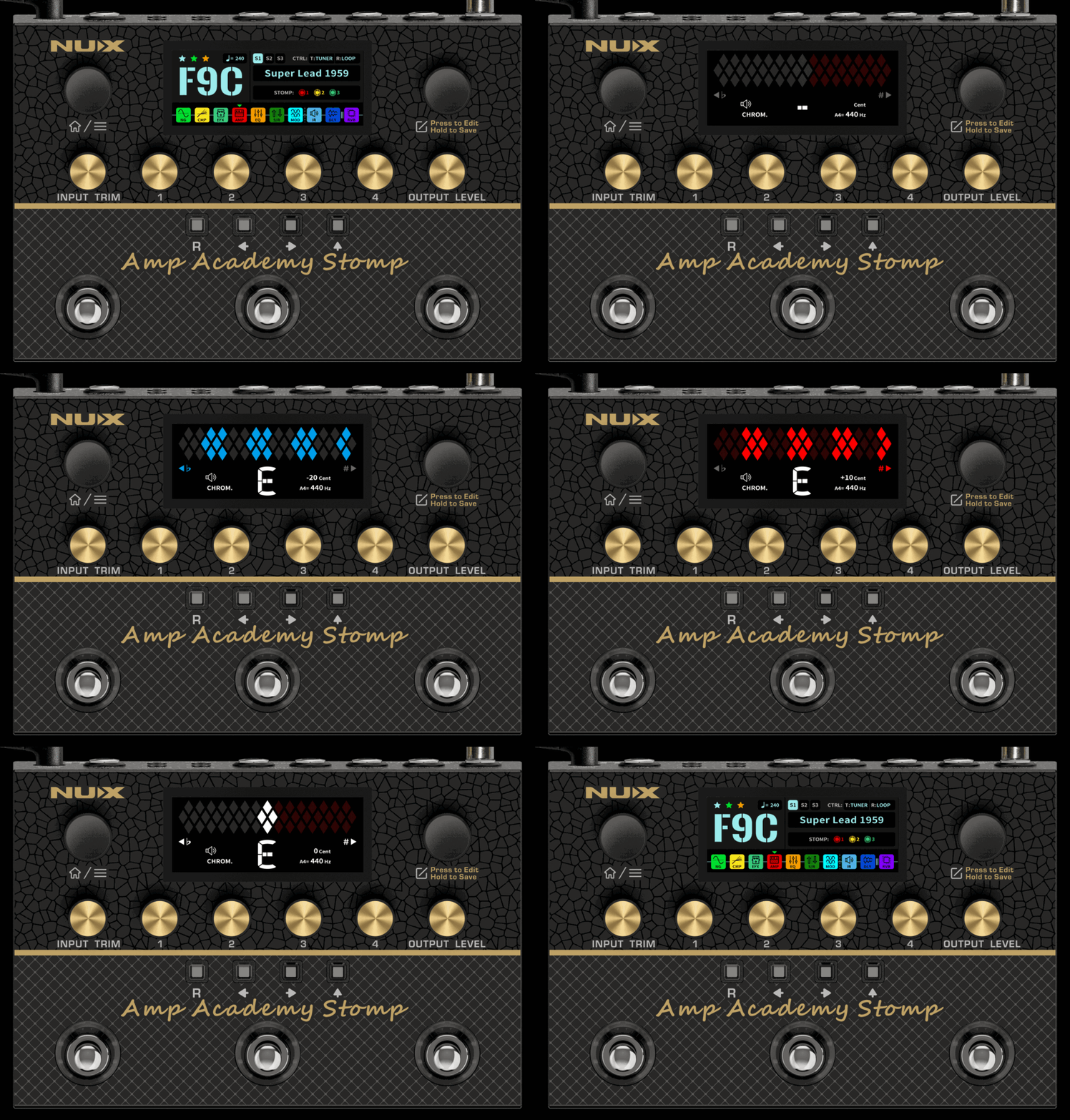
Hold footswitch A to open the tuner.
Tune your instrument. The meter shows the number of cents above or below the correct pitch.
Press footswitch C to return to the preset.
Tip: The tuner runs chromatically with an A4 = 440 Hz reference. The home screen shows this assignment as CTRL: T:TUNER.
7.2 Quick Loop Shortcut
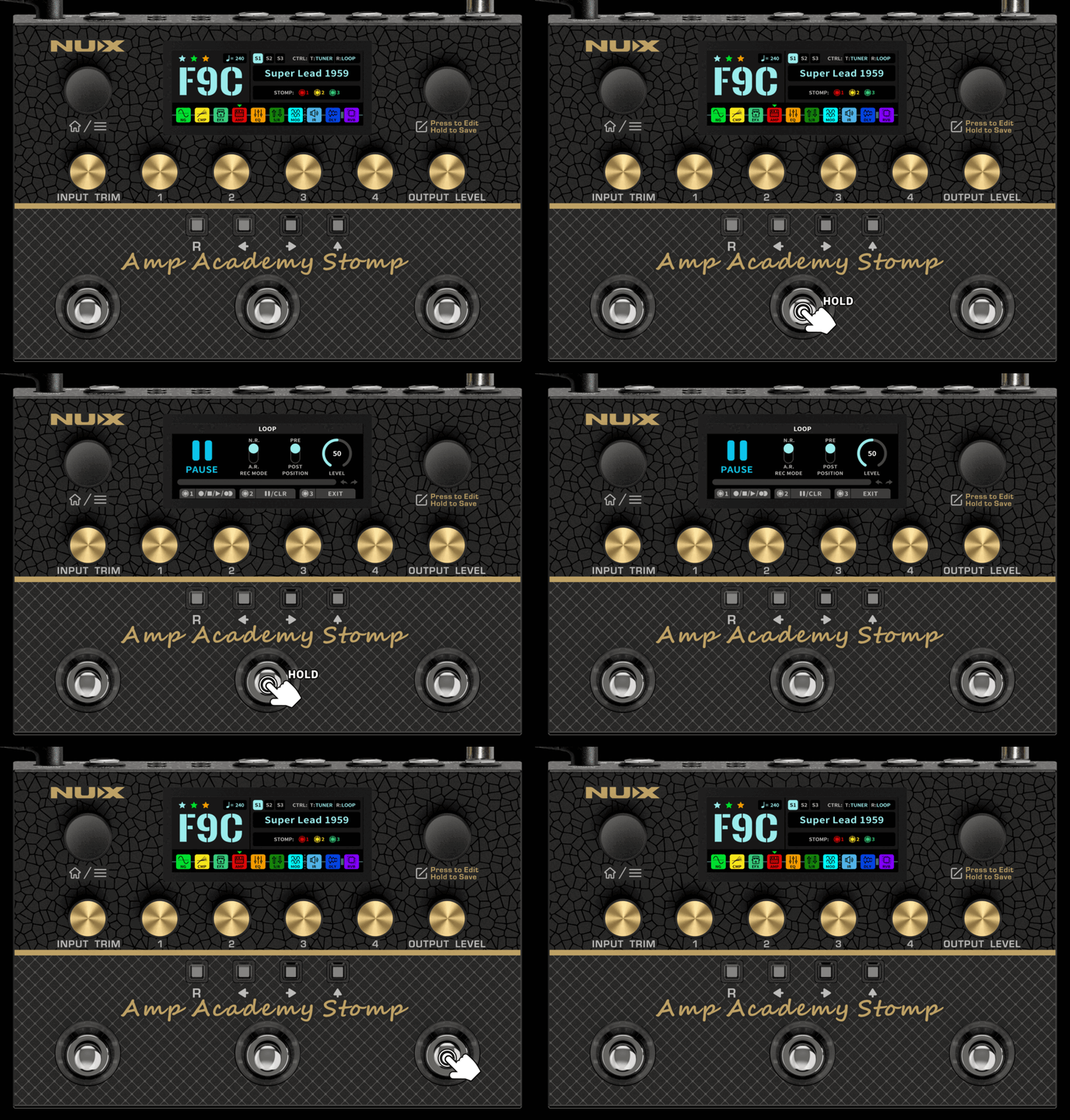
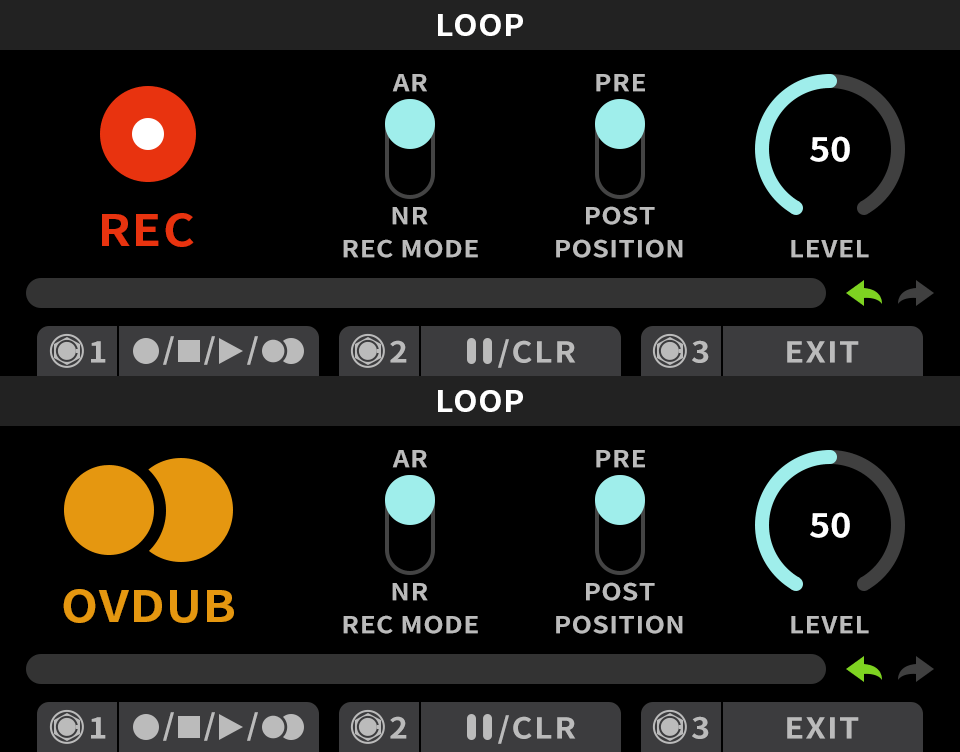
Hold footswitch B to open the LOOP page.
Set REC MODE (N.R. / A.R.), POSITION (PRE / POST), and LEVEL.
Press footswitch C to return to the preset.
Tip: POSITION decides whether the loop sits before or after the effect chain. The home screen shows this assignment as CTRL: R:LOOP.
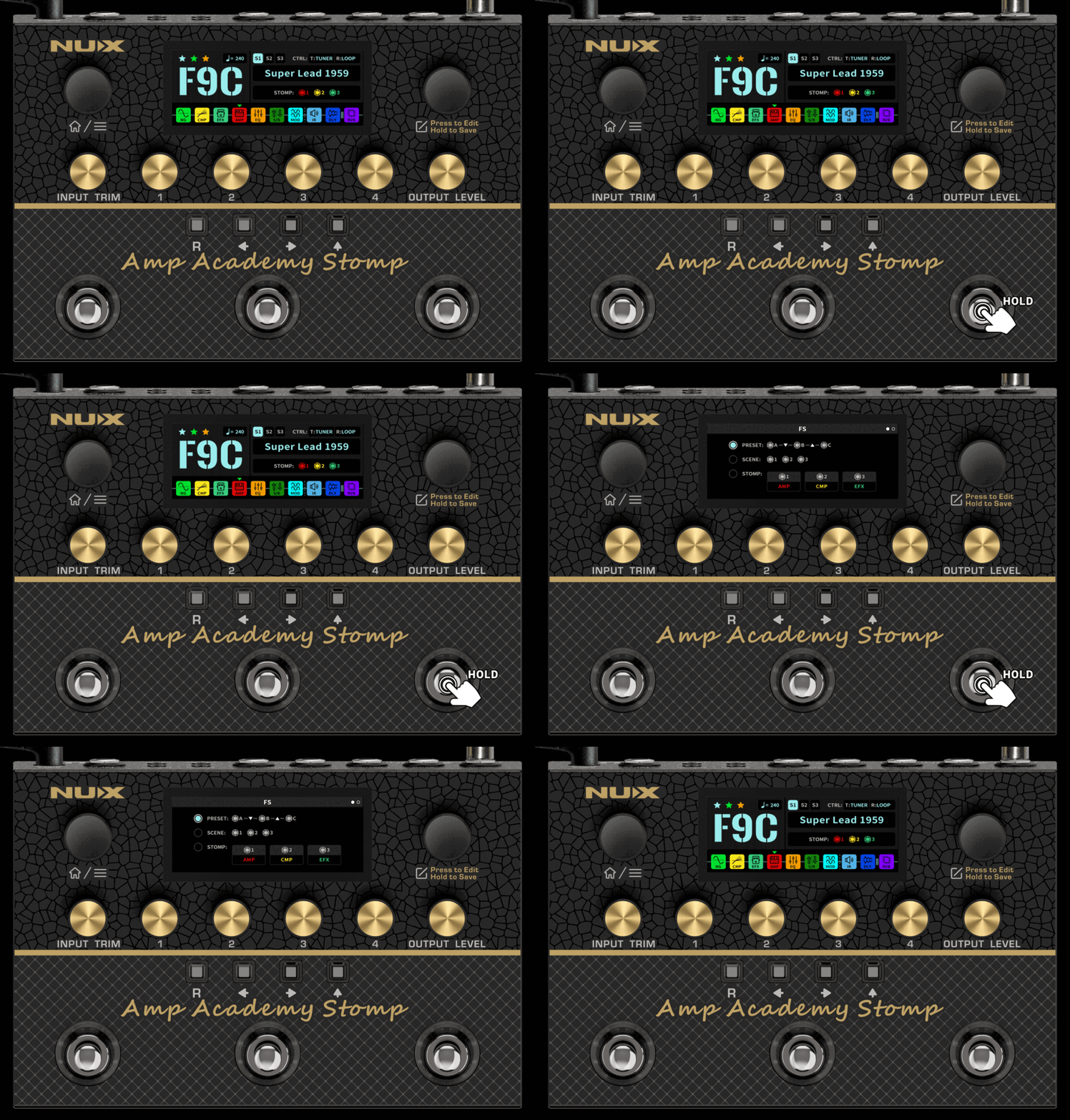
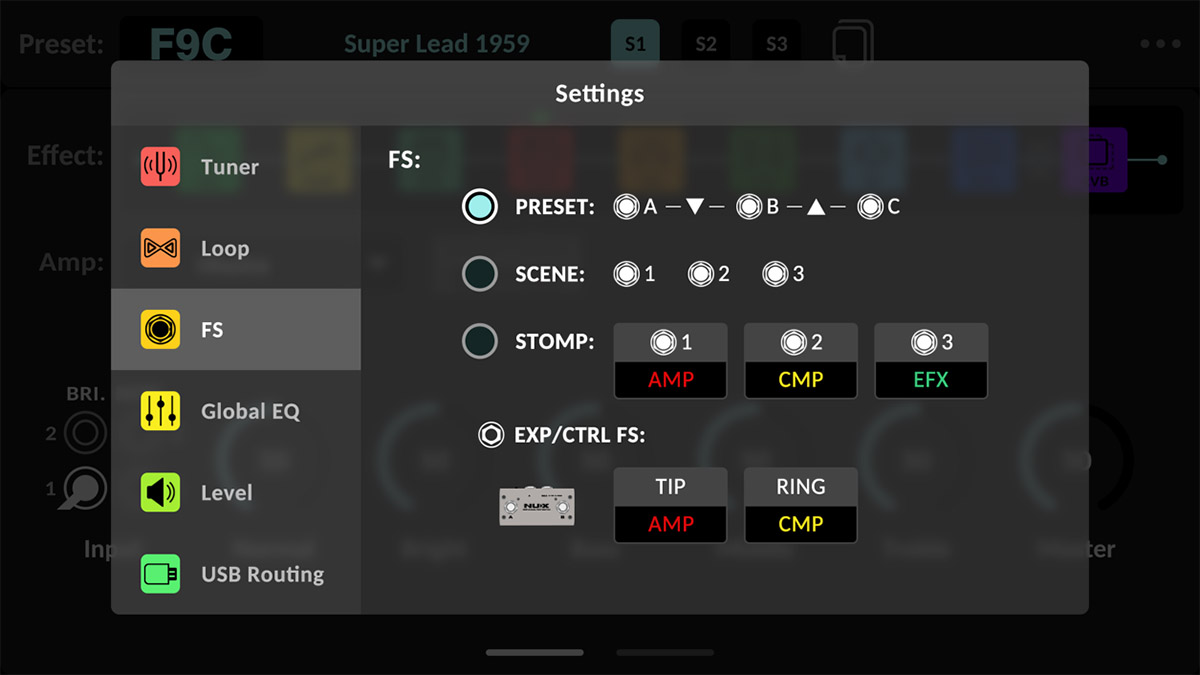
7.3 Quick FS Menu Shortcut (Footswitch Assignment Menu)
Hold footswitch C to open the FS page.
Press A for PRESET, B for SCENE, or C for STOMP.
The page automatically exits after 3 seconds of inactivity.
Tip: In PRESET mode the footswitches read A —▼— B —▲— C: A steps down, C steps up. SCENE selects scenes 1–3; STOMP selects stomps 1–3.
7.4 Second Page of the FS Menu
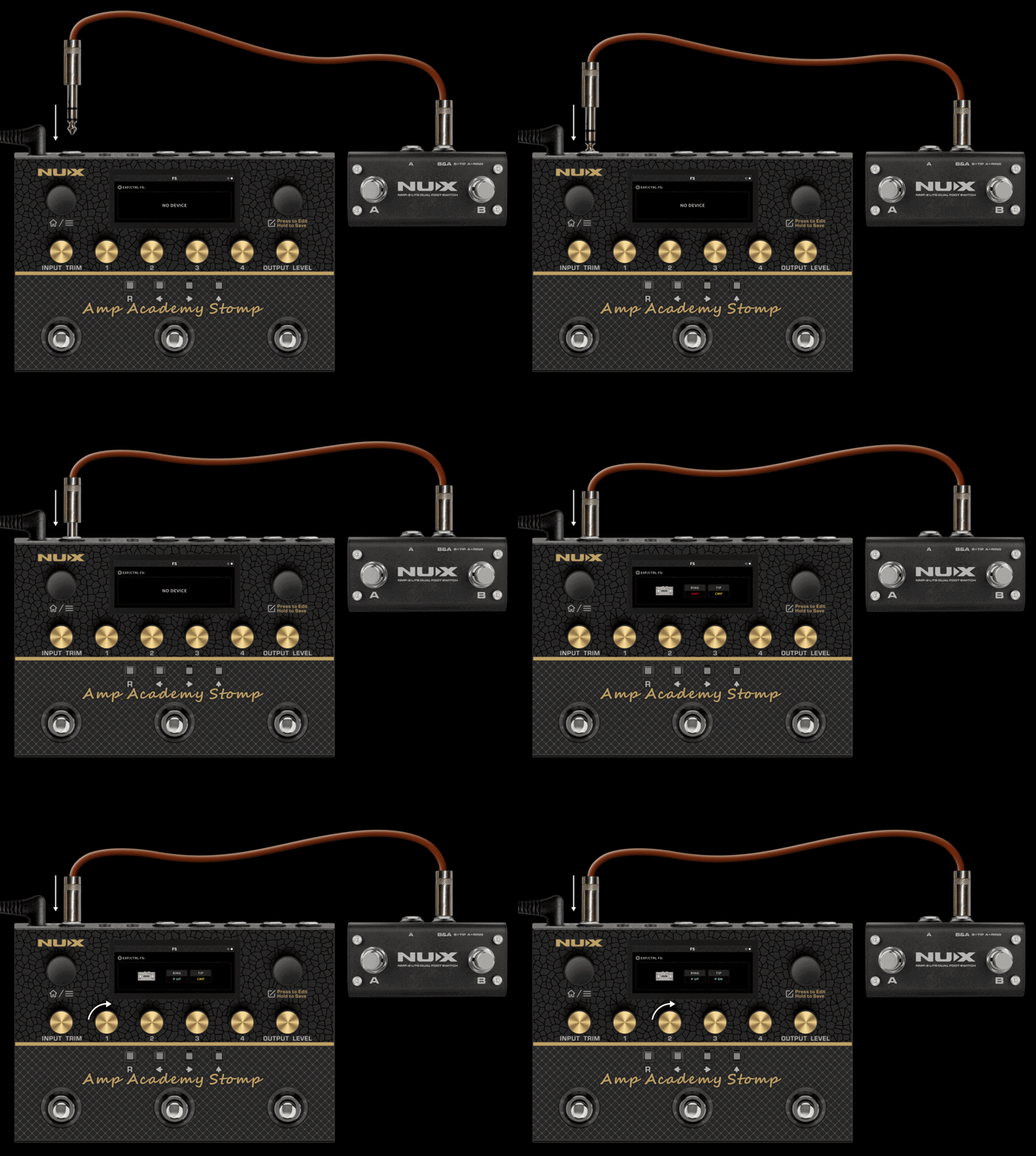
Press the EDIT encoder to access the second page of the FS menu.
When you connect a dual footswitch, such as the NUX NMP-2 or NMP-2 LITE, you can assign the two footswitches to different functions.
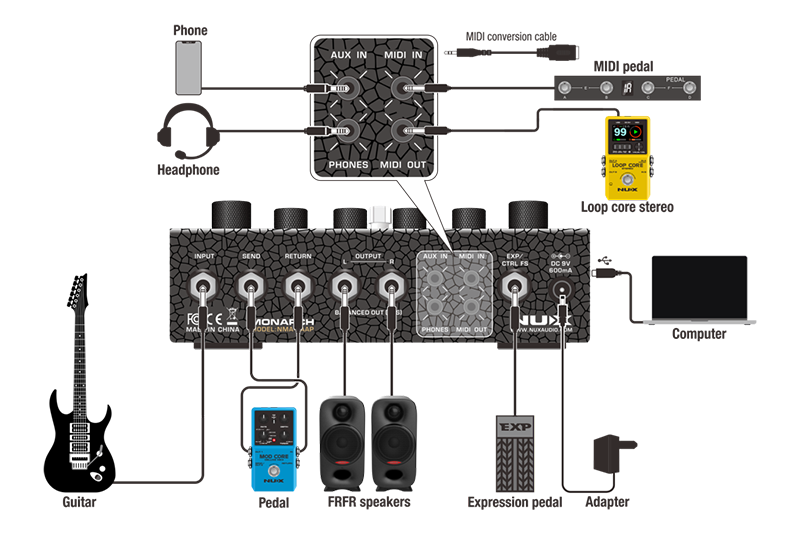
Connect the NUX NMP-2 or NMP-2 LITE to the EXP/CTRL FS jack using a TRS cable.
The page identifies the connected device. It displays NO DEVICE when no compatible device is connected.
Assign functions to RING (Switch A) and TIP (Switch B).
Each switch can step through presets using P UP / P DN, or toggle an effect block such as AMP or CMP.
Tip: RING corresponds to Switch A, and TIP corresponds to Switch B, matching the B = TIP / A = RING marking on the NMP-2 LITE. The on-screen fields follow the same left-to-right order as the two switches. Block assignments are color-coded to match the effect chain.
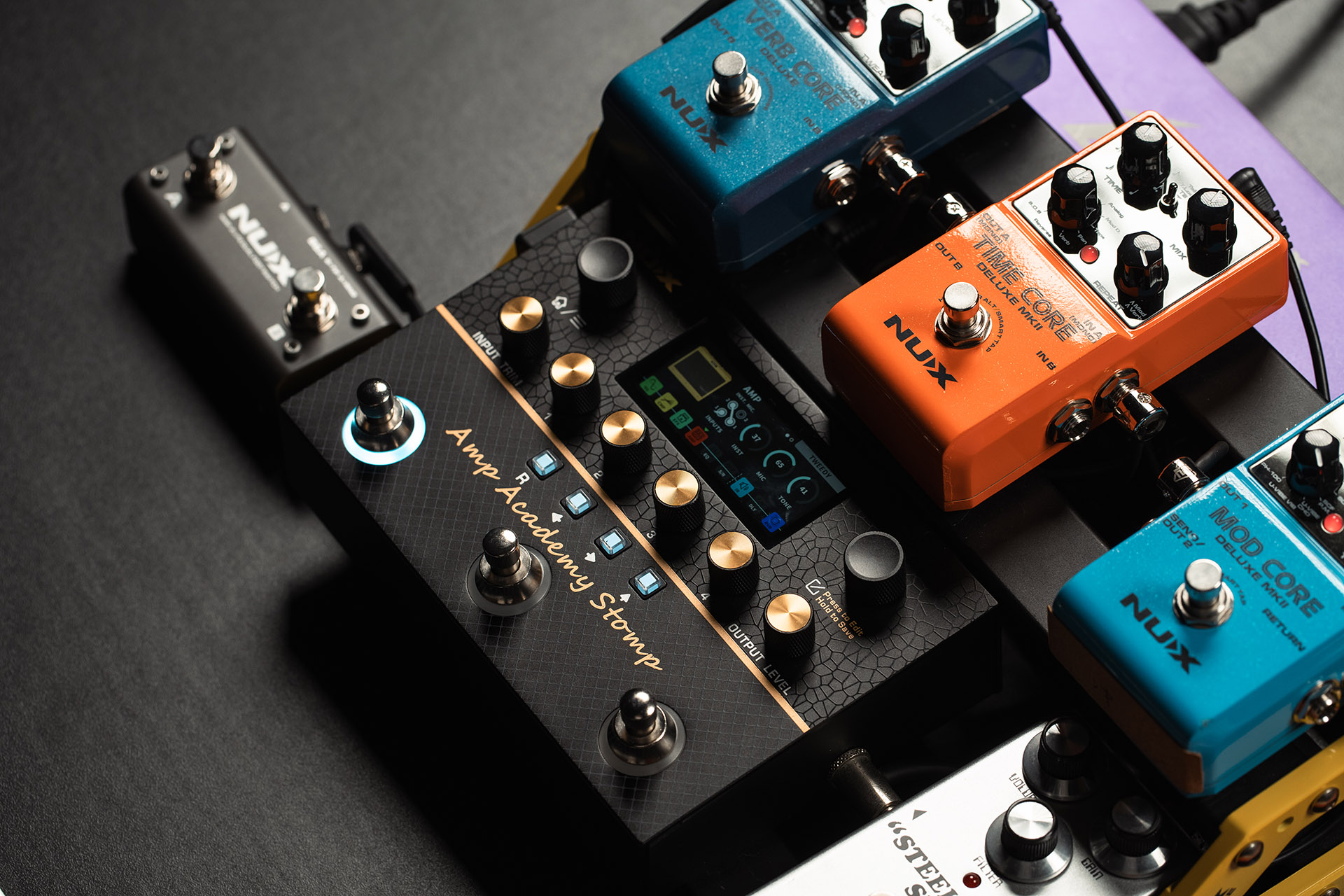
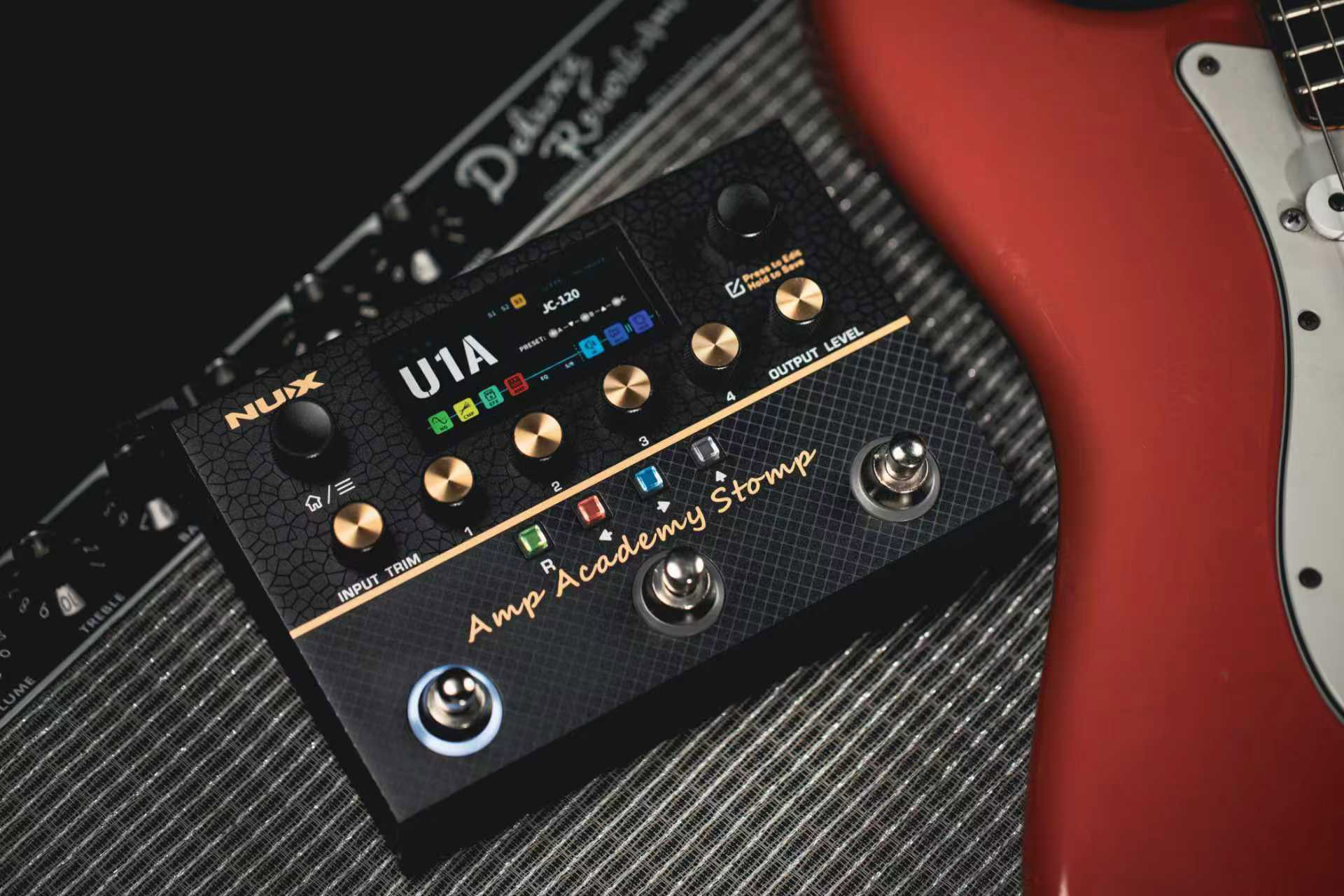
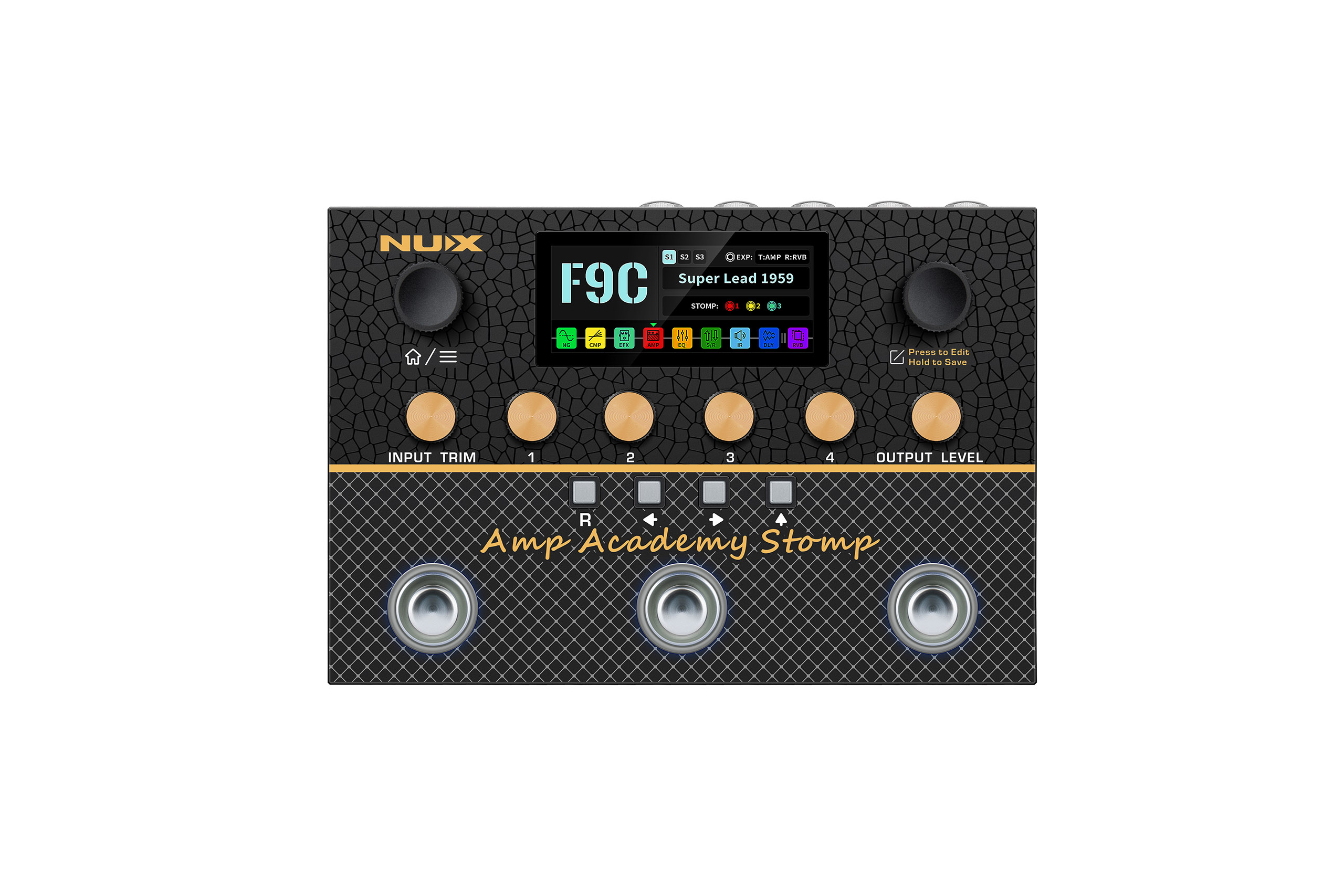
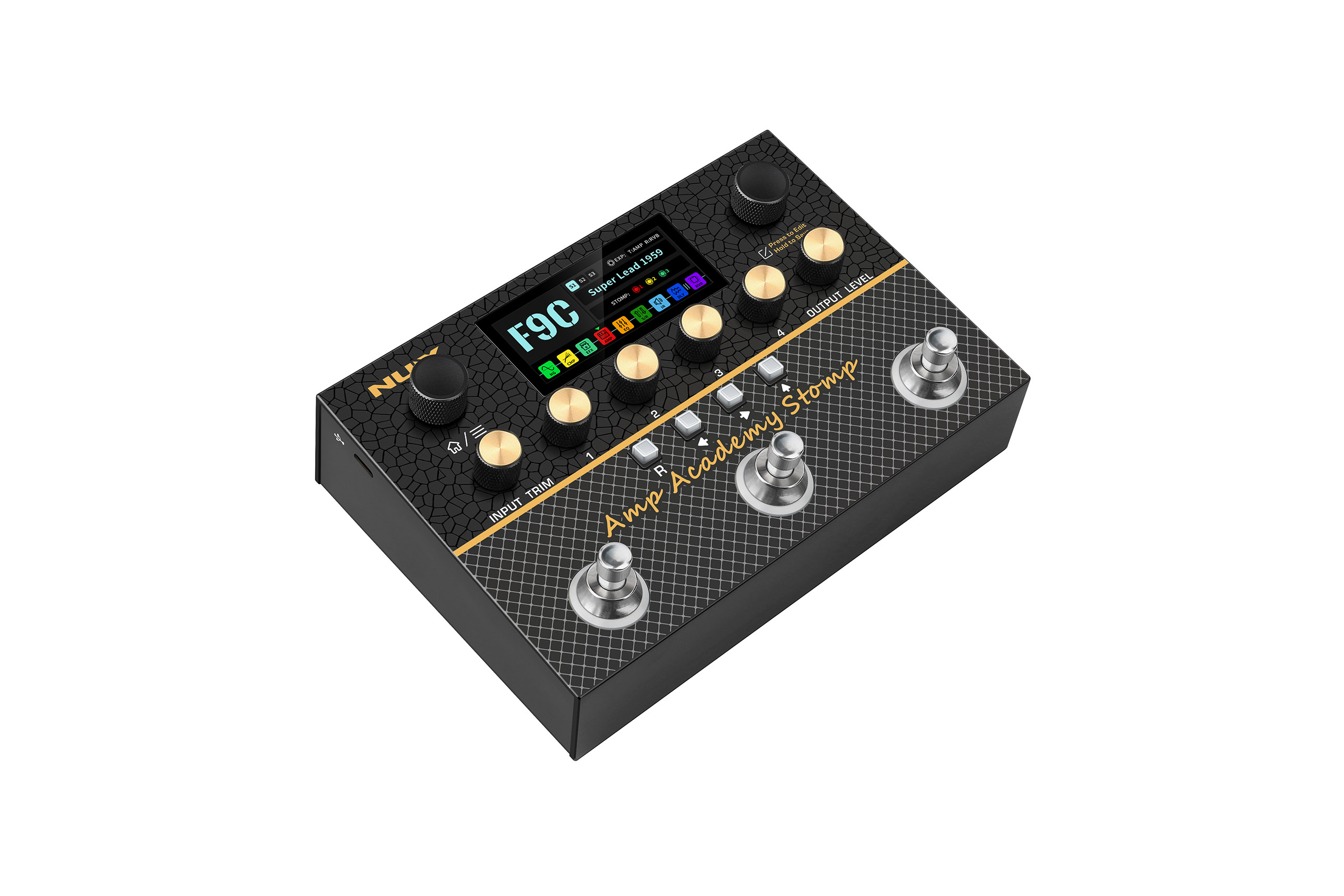
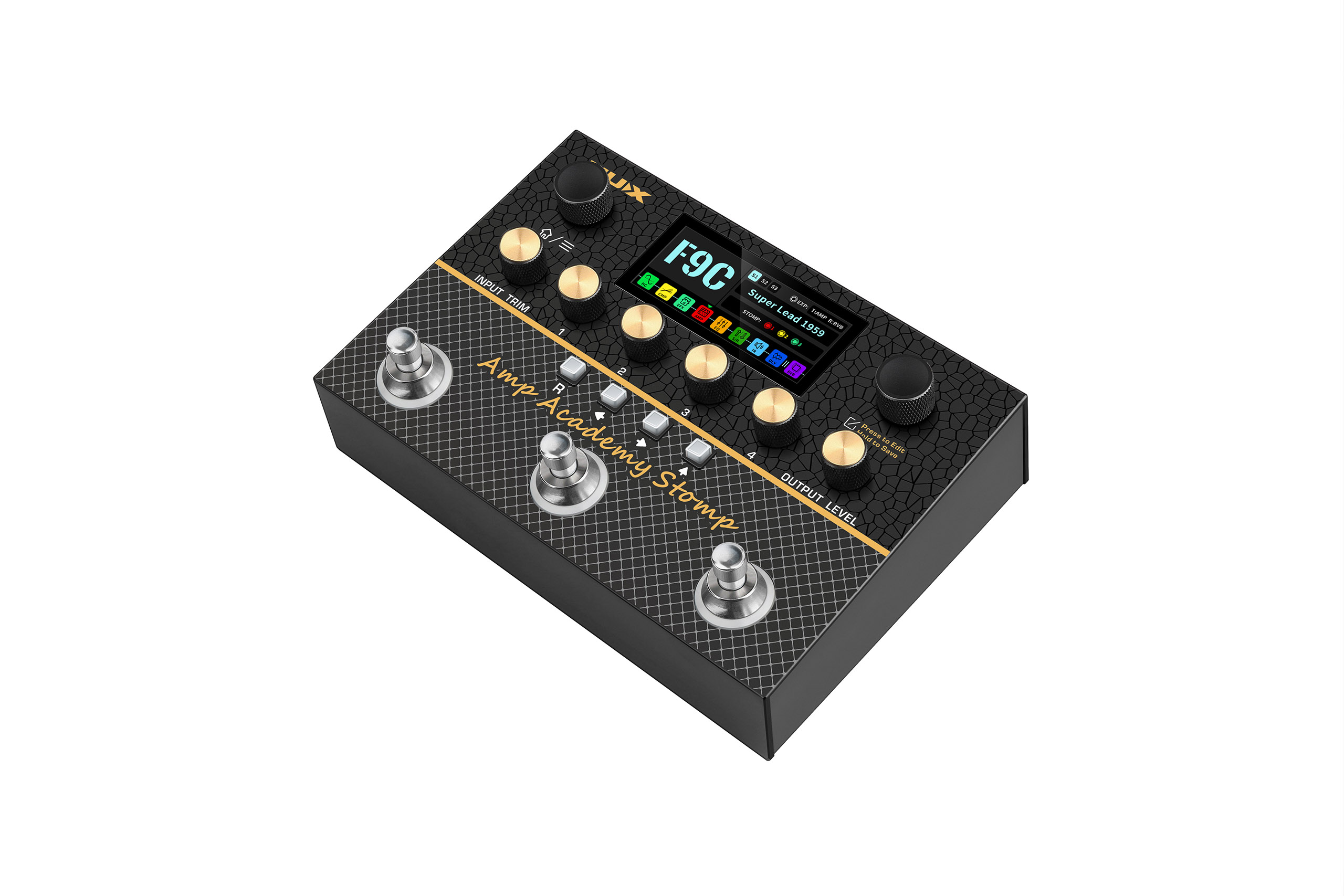
3-footswitch Modelers are an up-and-coming trend in the market. NUX heard your requests, and that’s the main reason for creating the AA Stomp; an end-to-end tone-shaping Amp Simulator, and independent L/R CYBER IR™ Engine, ushering in a milestone evolution for NUX.
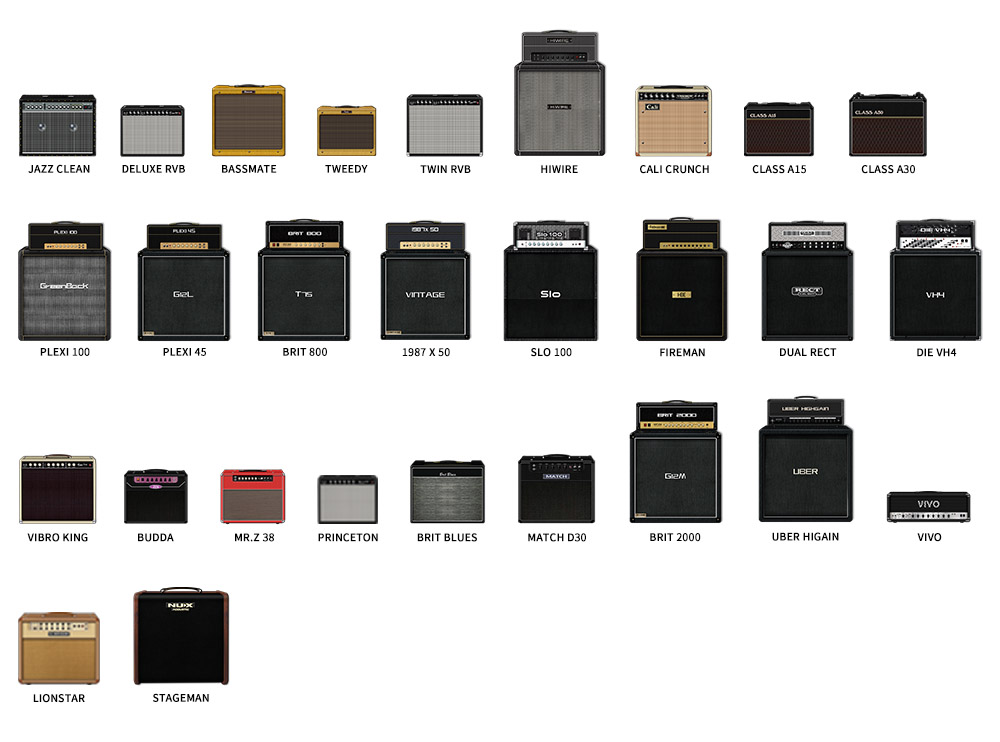
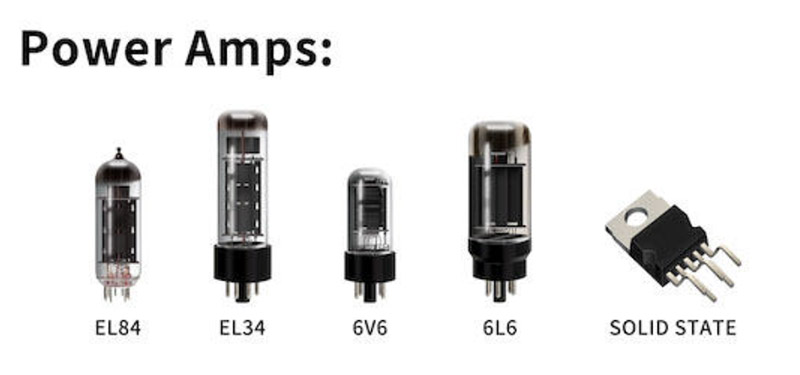
Build Your Dream Amp—Mix, Match & Model Every Component, Right Down to the Tubes.
Powered by NUX TS/AC-4K Physical Modeling Algorithm.
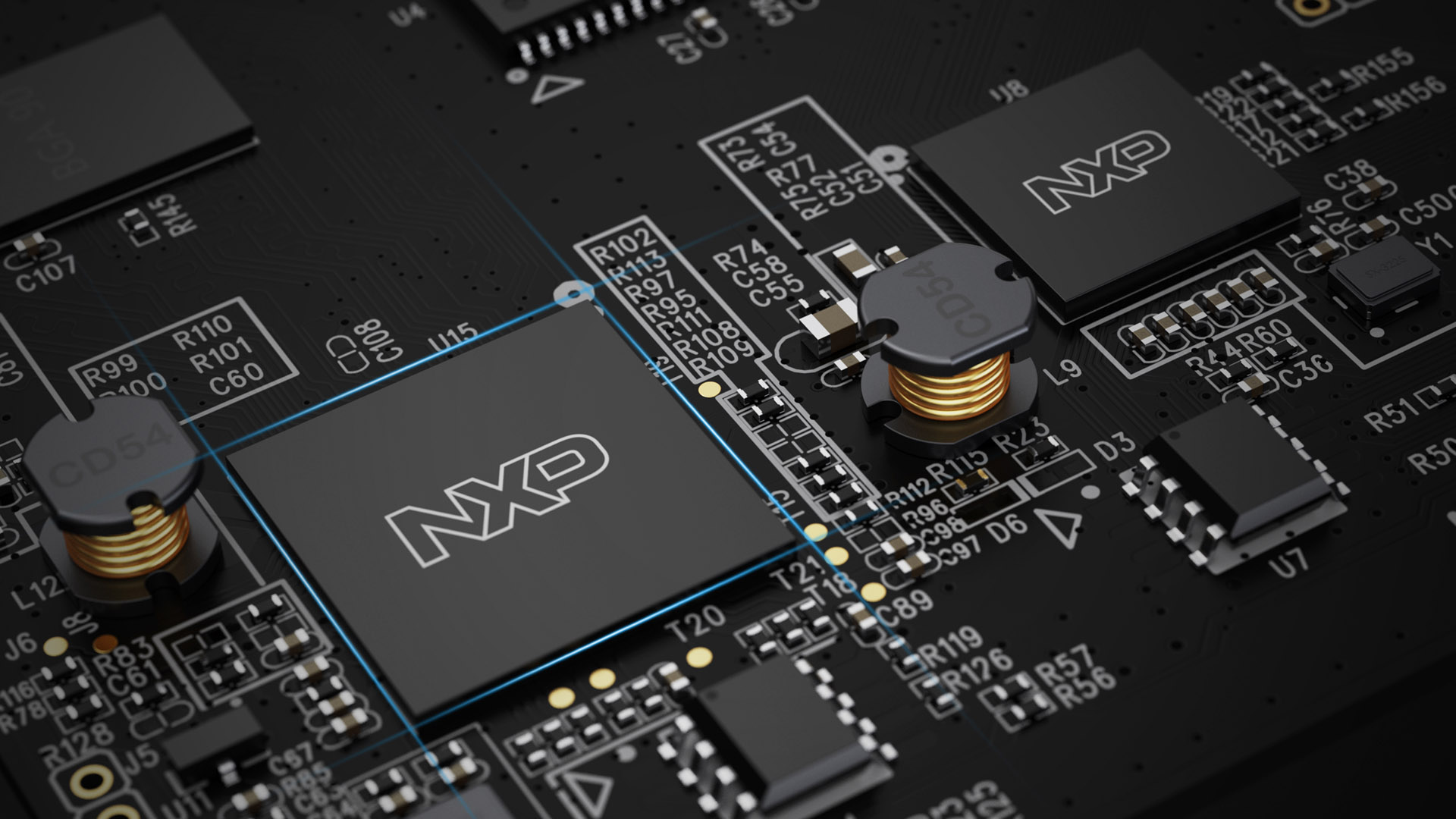
The Amp Academy Stomp features our iconic TS/AC-4K Amp Modeling (White-box Physical Modeling algorithm), which is twice as complex found in previous versions. This led us to design a new hardware platform with 2 DSPs, one to handle all the effects, and the other to handle the amp modeling algorithm. Now we even split Amp Modeling as separated preamp and power amp simulation. It means you can choose different power tubes to drive the creative sound.
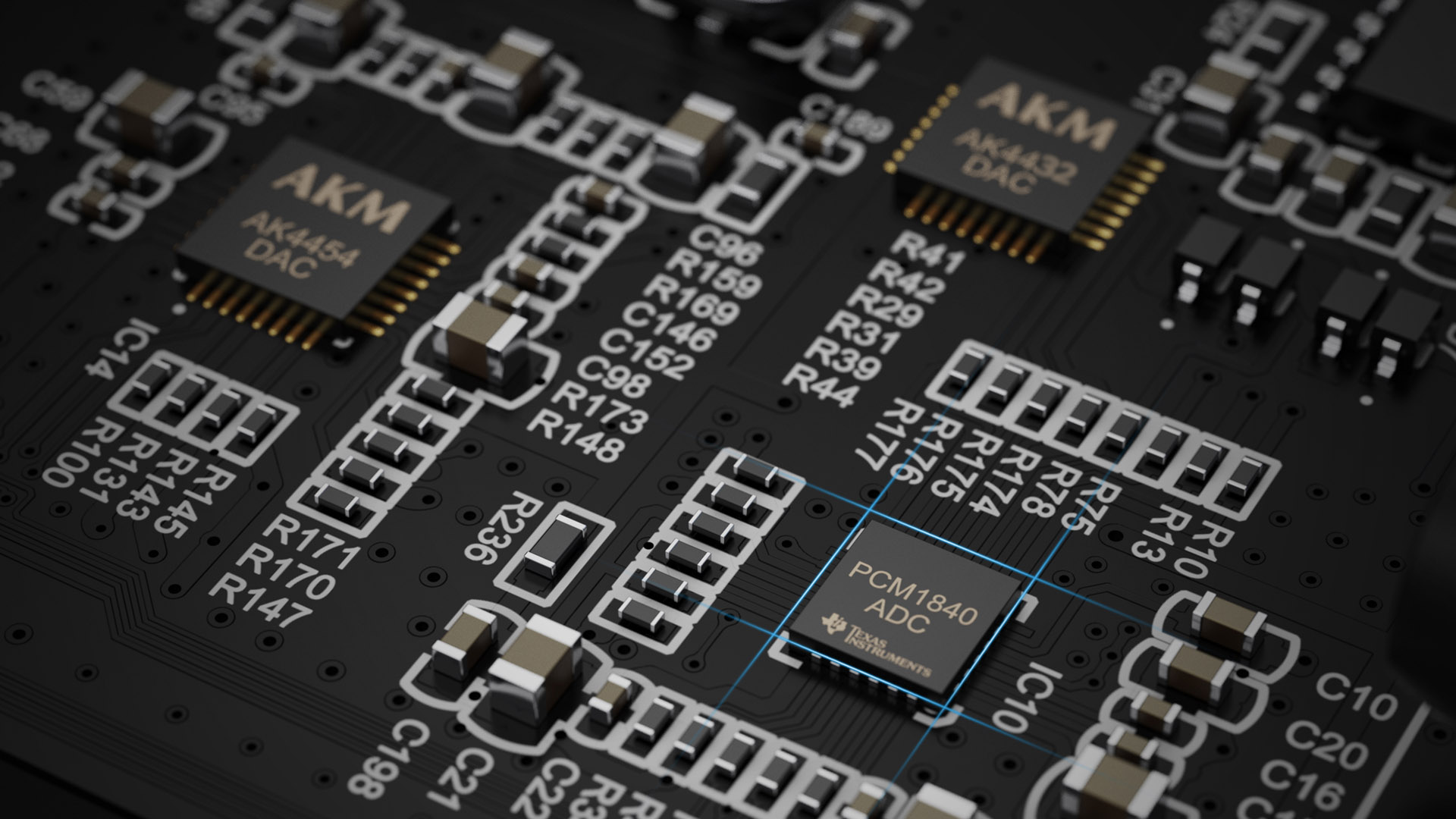
Additionally, the Amp Academy Stomp uses premium A/D & D/A converters and analog circuits to achieve a clear sound with low noise levels.
Cyber IR™
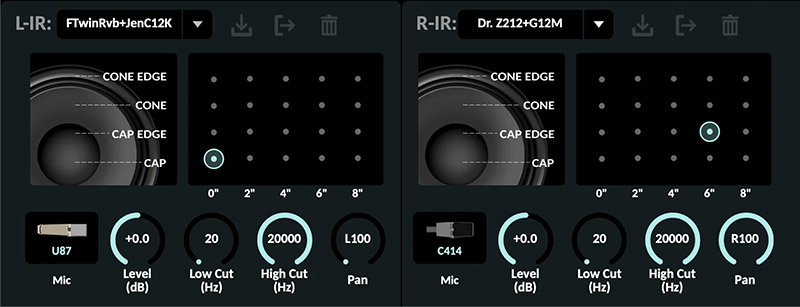
Our Brand New Cyber IR™ Technology is a real Impulse Response reproduction with a premium algorithm that offers Microphone, Position, and Distance adjustments. Amp Academy Stomp gives you Stereo IR Capabilities with ultra-low latency.
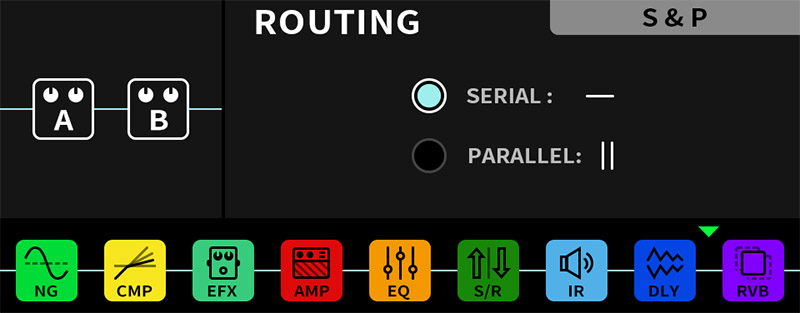
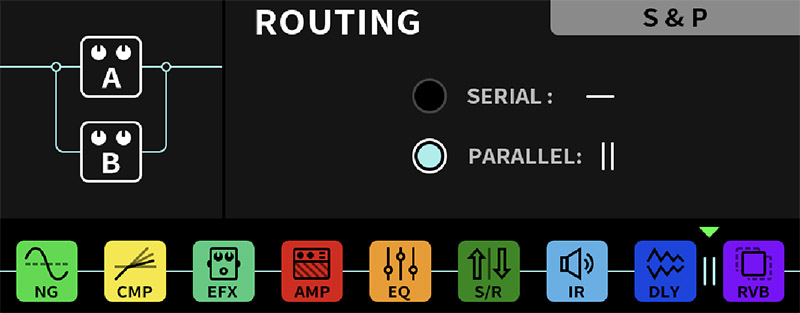
Parallel/Serial DLY & RVB blocks
In Parallel Mode, Delay and Reverb blocks can make your signal cleaner and sound stronger.
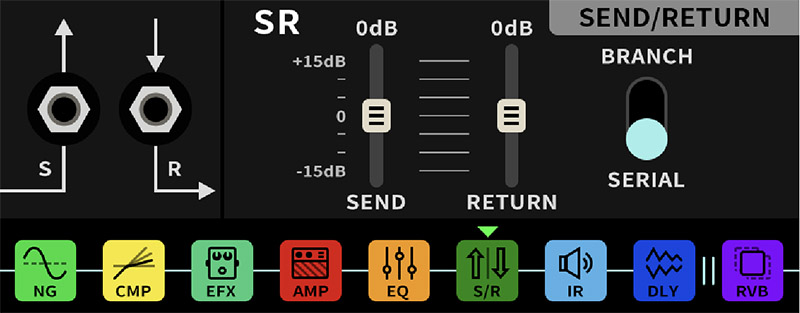
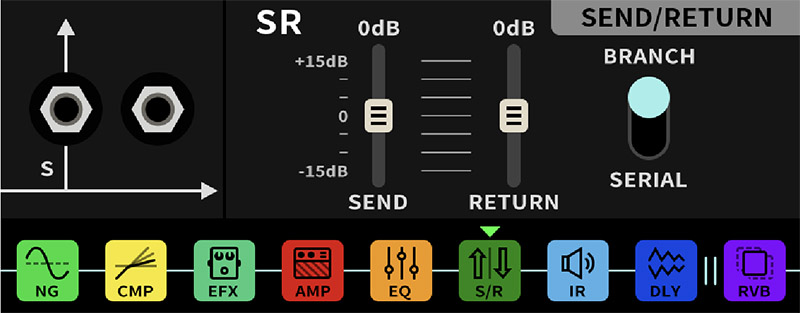
Serial/Branch Send/Return routing
In Serial Mode, the AA Stomp makes use of the Send/Return in a more traditional sense.
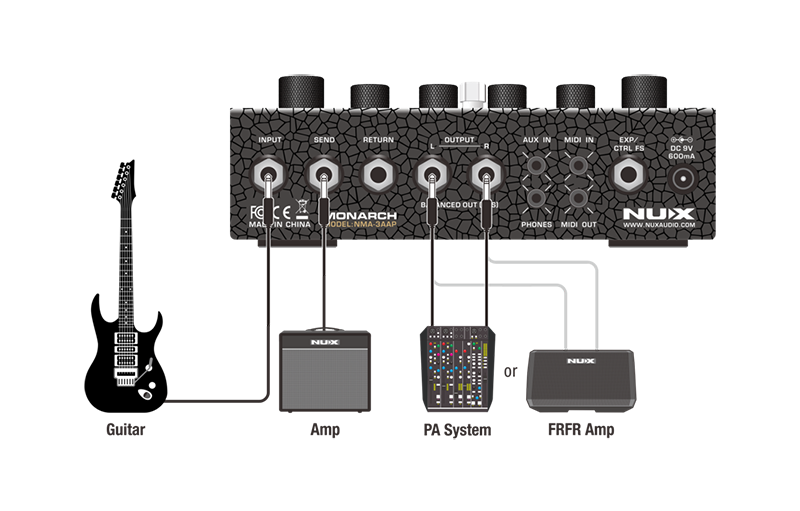
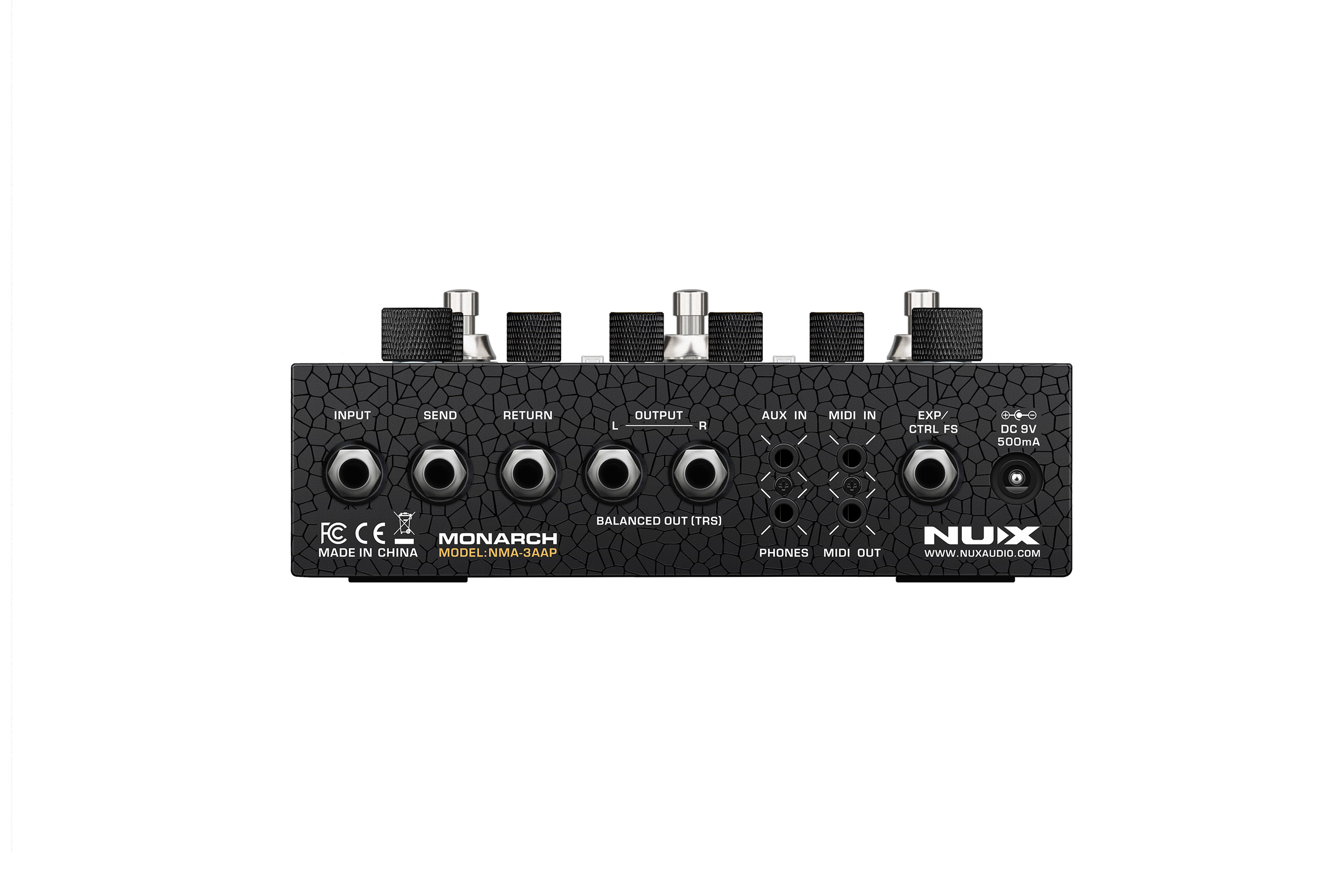
In Branch Mode, the Send jack sends the signal before the IR signal block to a real amplifier (Power Amp In), while simultaneously sending the outputs with IR signals to the PA system or FRFR amp.
Scene/Stomp modes
You can assign the foot switches in Global Settings.
Let’s explain the concepts of PRESET and SCENE:
PRESET = A complete effects signal chain.
SCENE = A snapshot of a specific effects signal chain, including the switching of effects modules and the setting changes of parameters.
So, SCENE can be imagined as the effect switches and tone changes you may need in a song. For example, the main song is S1, the chorus is S2, and the interlude is S3.
The advantage of doing this is that your naming is in a PRESET, and since the effect signal chain is fixed, there will be lower switching noise and delay when the effector switches SCENE. Another secret is to select the same model to switch the Delay on and off when setting your SCENE, which can achieve an effect “Tail”.
Balanced 1/4' Outputs
1/4″ Balanced TRS (Tip-Ring-Sleeve) outputs reduce noise interference and transmit signals over long distances.
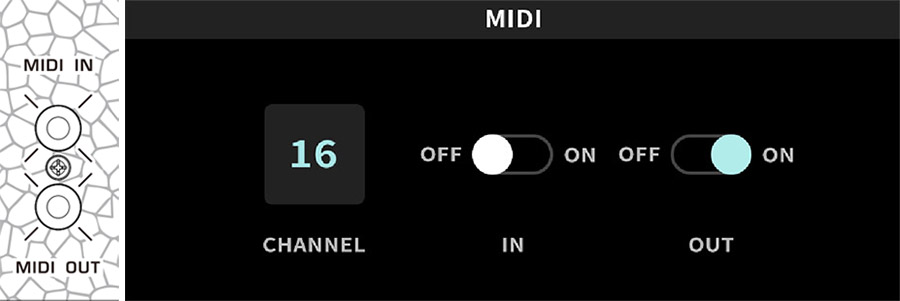
MIDI In/Out
All the MIDI commands can be found in the editor.
EXP/CTRL FS 1/4" jack with NMP-2 Lite FS
The NMP-2 Lite is included, it makes the Amp Academy Stomp more versatile with live application.
Quick Block design
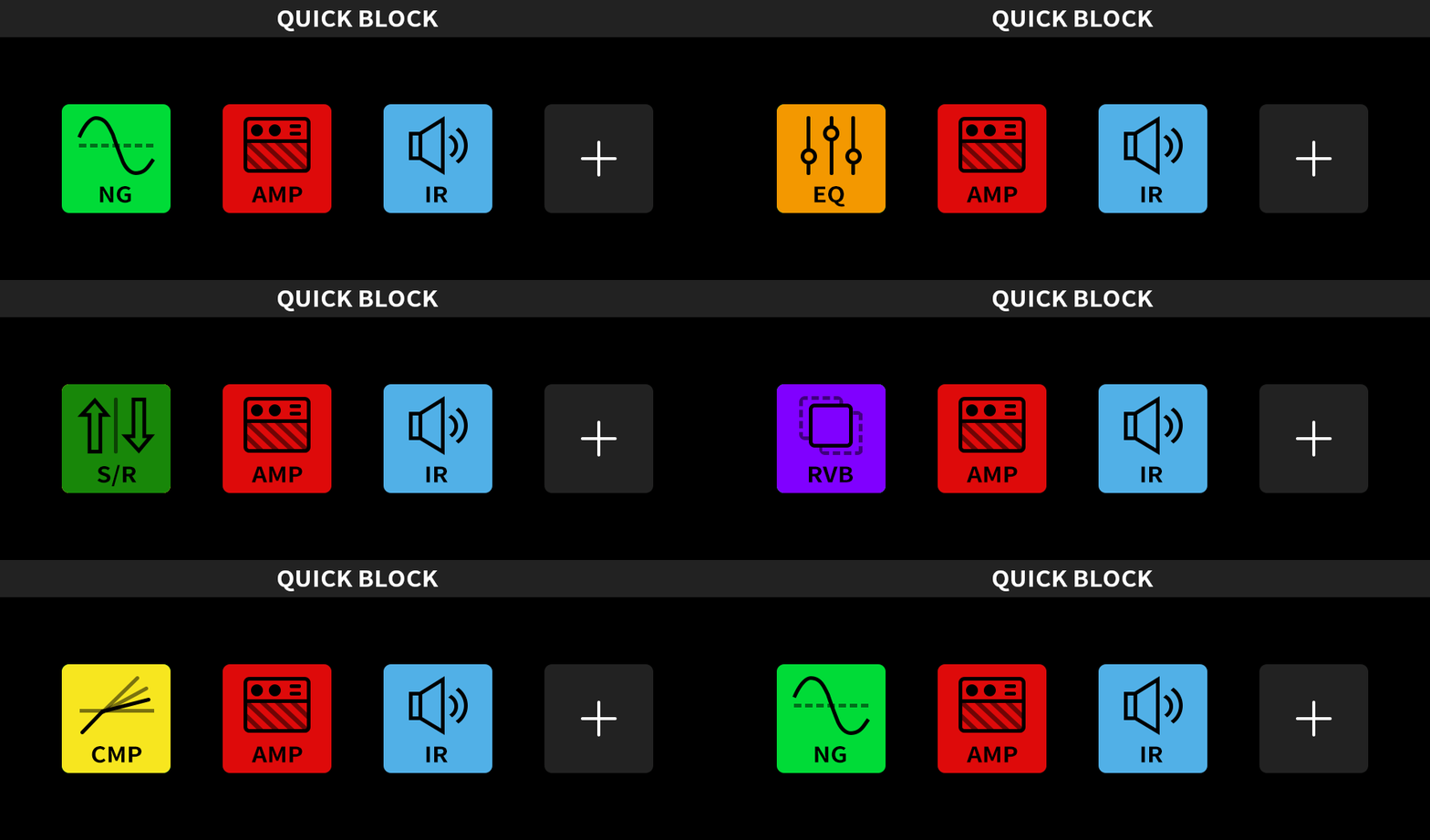
The Amp Academy Stomp has an intuitive Quick Block Design, letting you assign any effect to the four buttons on the third row through the global menu. This allows for quick activation or deactivation of key tones. By holding a button, you can also access the module’s editing interface for fast, real-time sound adjustments.
30 seconds stereo phrase loop with PRE/POST position
The AAS also includes a 30 second stereo phrase looper. This powerful little looper can be used in either Auto Record or Normal Record modes. Additionally, it can be set to the pre or post position in the signal path.
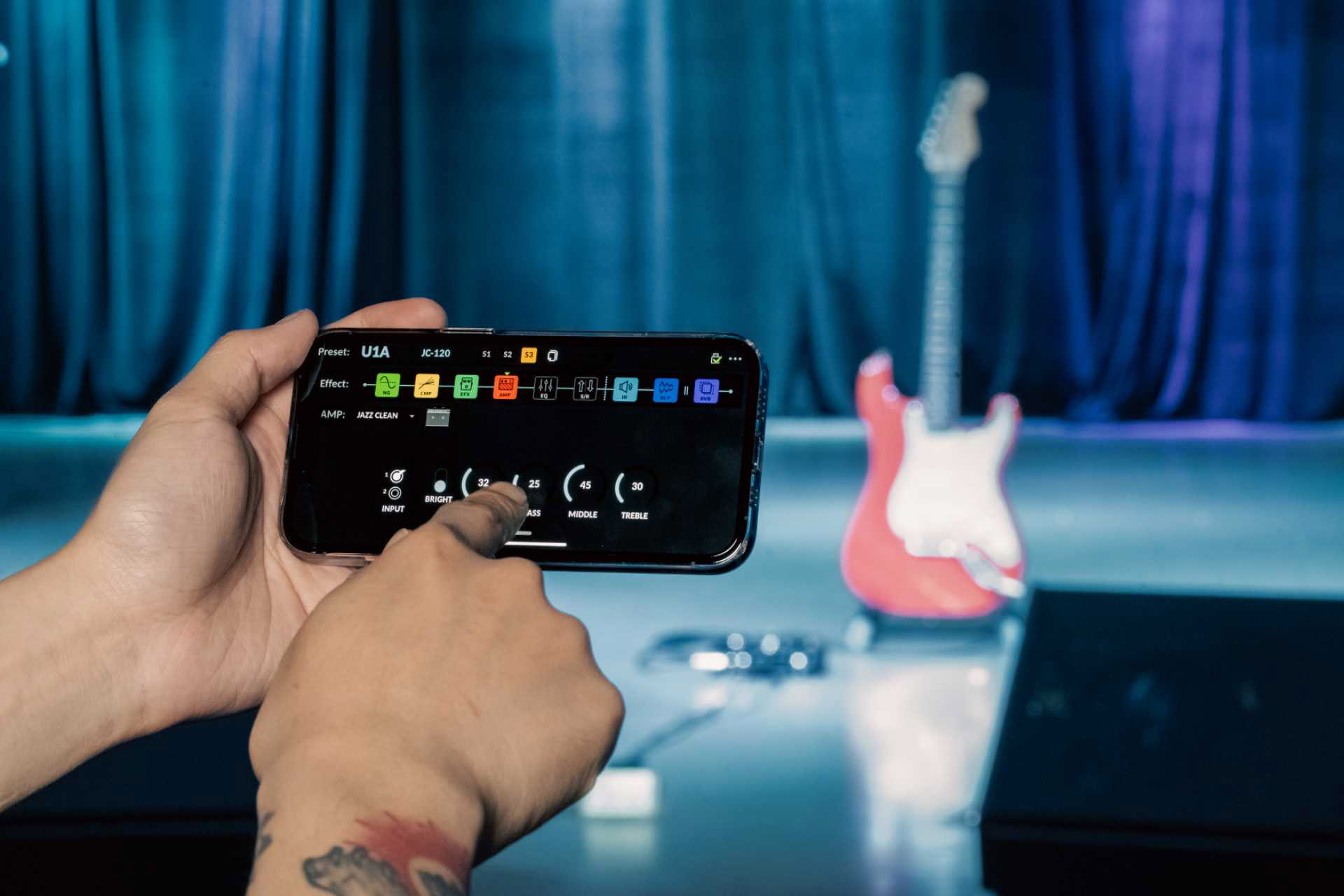
This is also incredibly useful live with the included NBT-1 Bluetooth Module and accompanying iOS/Android App. Set up a loop in Pre Mode, let the loop play back and use the App to adjust your tone from anywhere in your live venue for the best possible tone.
USB Audio Interface
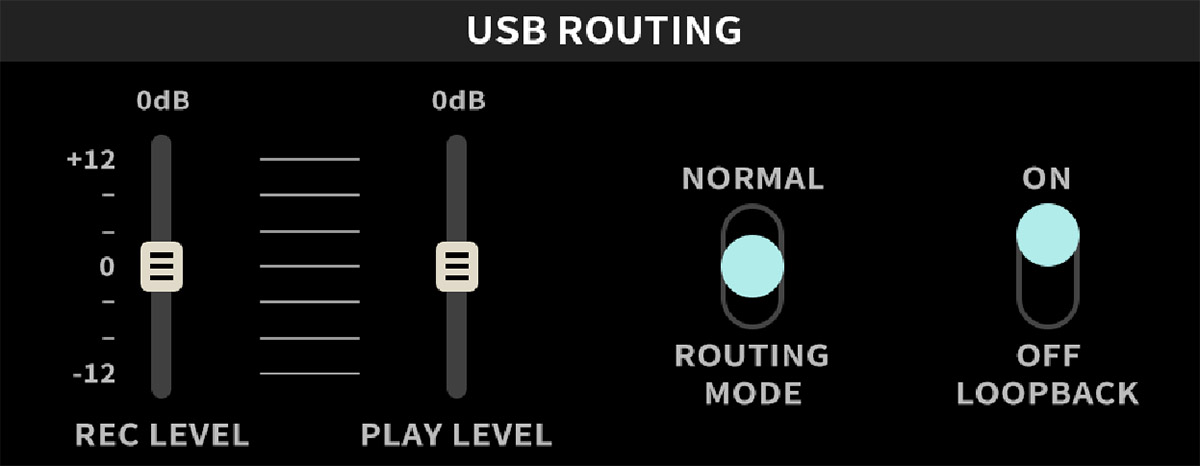
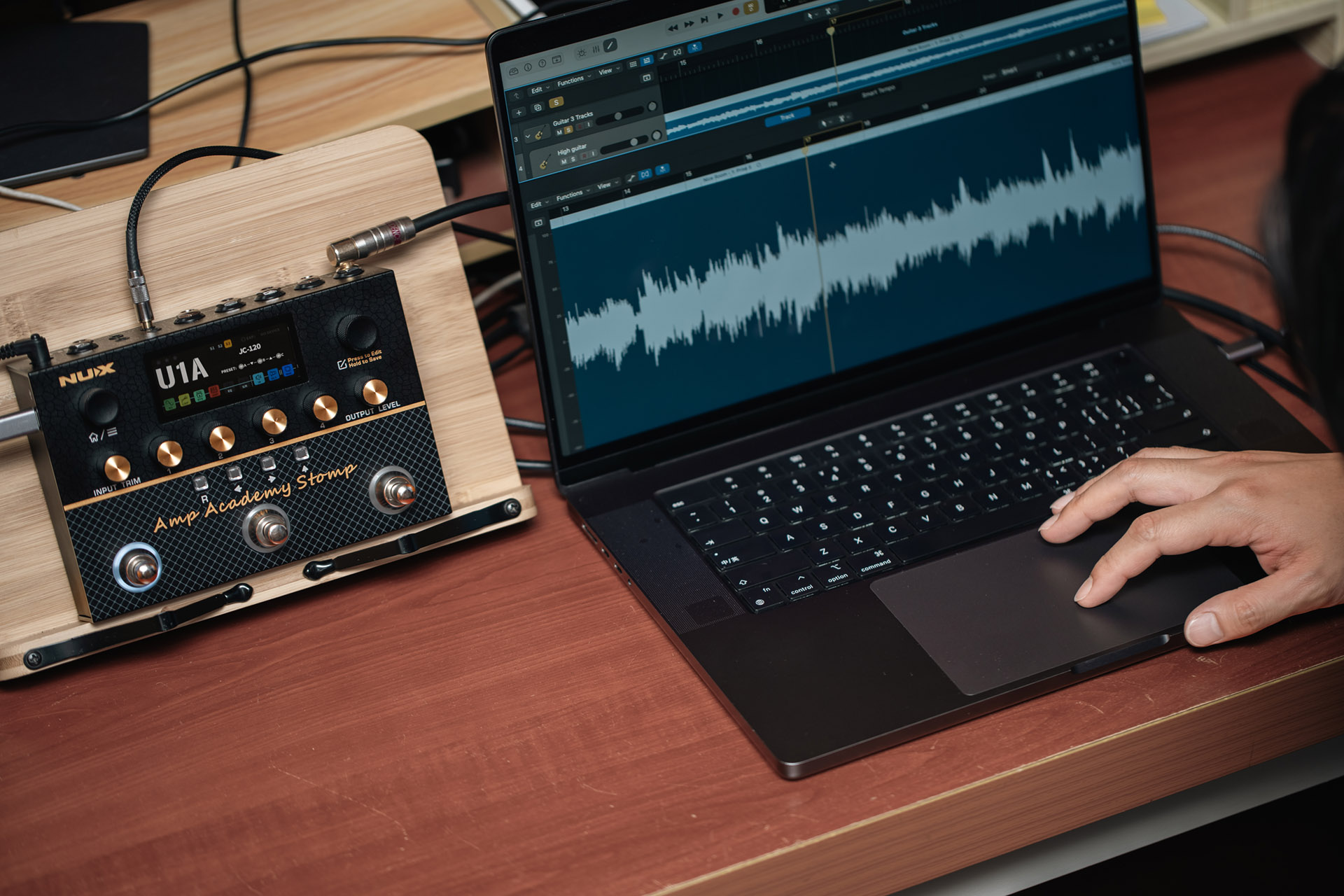
As laptops continue to include fewer USB ports, users often rely on USB hubs or adapters, which can disrupt the plug-and-play experience and potentially cause conflicts. The NUX Amp Academy Stomp also serves as a USB audio interface, minimizing setup time and freeing up space, allowing you to focus more on playing and creativity.
The Best of Both Worlds: Modeler & Profiler
Amp Academy Stomp gives you the freedom to leave your heavy amp at home — yet keeps the tone alive under your feet. Tweak gain, EQ, cab IR, boost, noise gate — craft your dream rig in minutes.
And now, NUX brings even more tone to the game with our black-box technology: Image! With our Image technology, you can load NAM, our single-layer Image Capture, into the Image Loader (into the AMP block).
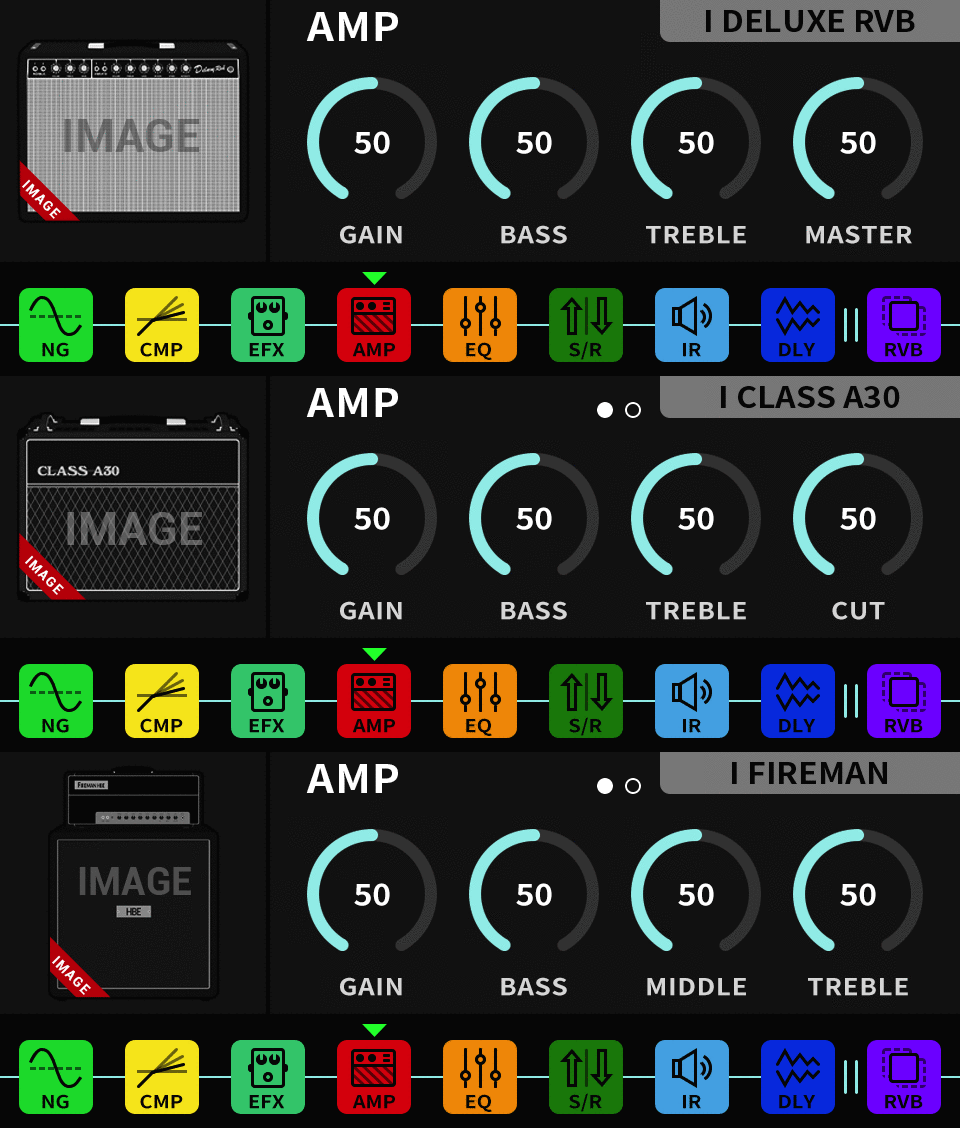
As a bonus, we are releasing three complete, multi-layer Deep Image amp models for you. I Deluxe Rvb (based on the ’65 black panel American clean amp), I Classic A30 (based on the British diamond chime amp), I Fireman (based on the famous David modified British crunch amp)
*All the brand and model names mentioned on this page are Trademarks of their respective owners, which are in no way associated or affiliated with NUX Effects and Cherub Technology CO. LTD
Manuals
Firmwares
Softwares
Drivers
Apps
– Stereo CYBER IR™ Engine with dual 1024 samples resolution.
– Independent Pre & Power amp simulation with TSAC-4K white-box amp modeling algorithm.
– World-class amp modeling algorithm with full functions. (Like 4 inputs for patch cable jumping.)
– Aluminum extrusion chassis.
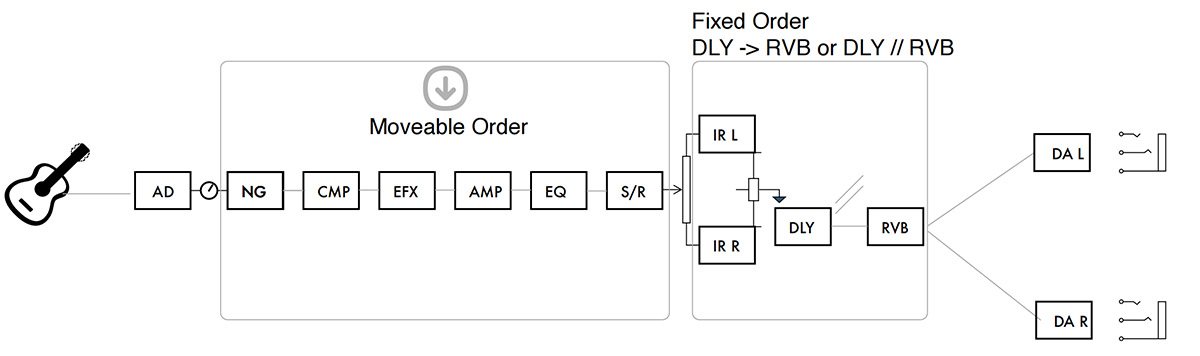
– NG, EFX, AMP, I.R., EQ, S/R; DLY, RVB effect blocks with free/parallel routing order.
– 2.86” color LCD display (960*376) with intuitive operations.
– 27 preset slots with 3 scenes, independent L/R 60 IR slots.
– Pre/Post phrase loop for distance tone tweaking. (NBT-1 with APP)
– Footswitch setup, Global EQ, PHONES LEVEL, AUX IN LEVEL, OUT LEVEL, Quick Block, Tuner in global setting.
– USB audio interface, firmware update, PC edit software, NBT-1, …etc.
– USB-C, stereo balanced 1/4” outs, phones out for silent practice, 1/8” MIDI I/O, EXP out with additional NMP-2 Lite.
– Great Dynamic Range: 111dB
– Ultra-low latency: 2ms
– Monarch Editor: User-friendly interface for easy sound customization, parameter tweaking, and patch management.
– Pedal Type: Amp Modeling, Multi-FX
– Analog/Digital: Digital
– Presets: 27 x Factory, 27 x User
– Number of EFX blocks: 9 (NG, CMP, EFX, AMP, EQ, S/R, IR, DLY, RVB)
– Impulse Responses: Left & Right, 60 x Factory Cyber IRs, 40 x User IRs
– USB: USB-C for 24-bit / 48 kHz USB AUDIO, USB MIDI (PC Editor), firmware update, NBT-1 Bluetooth Module with APP control
– Bluetooth: Additional NBT-1 Bluetooth Module with APP control
– Expression Control: Yes, external EXP or additional NMP-2 Lite footswitch
– Bypass Switching: Buffered Bypass
– Software: Amp Academy Stomp editor (PC), Amp Academy Stomp APP
– INPUT/RETURN Impedance: 1MΩ
– AUX IN Impedance: 10 kΩ
– OUTPUT L/R Impedance: 100 Ω (balanced)
– SEND Impedance: 1 kΩ
– PHONES OUT Impedance: 10 Ω
– INPUT to OUTPUT L/R Dynamic Range: 111 dB
– Sampling Rate: 48 kHz / 32-bit
– System Latency: Minimum 2 ms
– Power: 9V DC (center negative)
– Current Draw: < 500 mA
– Dimensions: 183 (L) x 130 (W) x 65.3 (H) mm
– Weight: 0.9 kg/1.98 lbs